Contact & Help
Search our FAQs or send a message to the Gamer Guides team.
Contact our team
Tell us what you need help with and we’ll route your message to the right person.
Frequently asked questions
No matching FAQs found. You can send us a message using the contact form above.
Account and Login
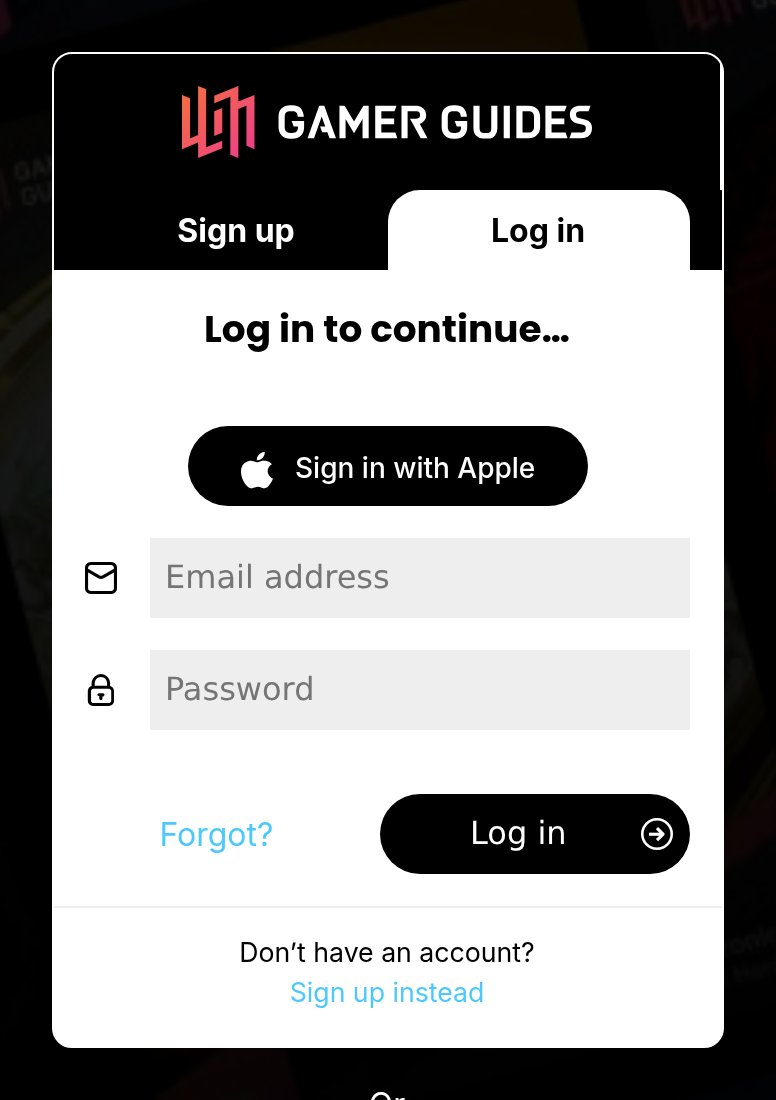
Use the password reset page and enter the email address on your account. We will send you a reset link. If it does not arrive within a few minutes, check your spam folder.
Check your email address and password, and that Caps Lock is off. If you signed up with Google or Apple, use that same button rather than a password. If you still cannot get in, send us a message and we will help you regain access.
You can change both in your account settings while signed in. If you have lost access to your old email address, contact us from the address you would like to use instead.
Membership is tied to the account it was bought on. If you have ended up with two accounts, contact us with both email addresses and we will move your membership onto the account you want to keep.
Premium and Billing
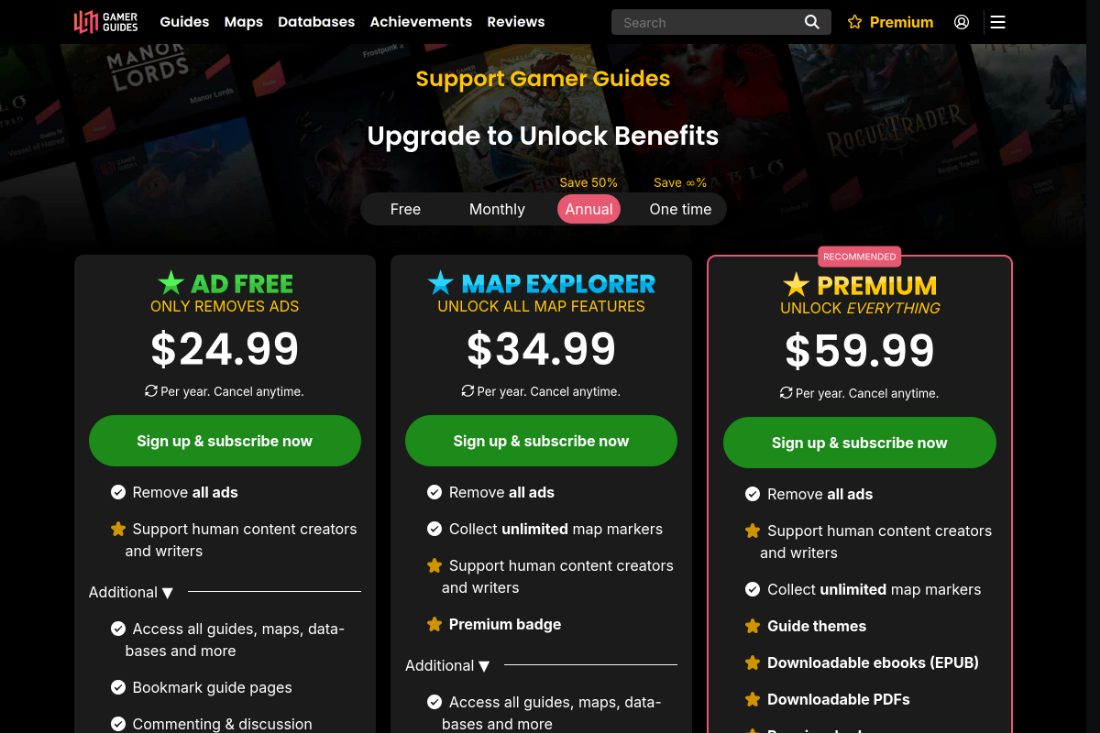
Premium removes advertising and unlocks unlimited map markers, plus PDF and EPUB downloads, across the website and the app. Compare the membership tiers.
Open your subscription settings while signed in and choose Cancel.
Yes. You keep every membership benefit until the end of the period you have already paid for, then the account reverts to a free account. If a subscription renewed when you did not mean it to, the Refund and Cancellation Policy covers that separately.
Make sure you are signed in to the account that holds the membership, then reload the page. If ads continue, tell us which pages you are seeing them on.
Payments can take a few minutes to confirm. If it is still not active after that, contact us with the transaction date and payment reference and we will activate it.
Yes. A Map Pass is a one-time purchase that unlocks a single game's maps, with no subscription. A Map Bundle does the same for several games at a discount. Both are explained under Interactive Maps below.
You can ask for a refund within 7 days of a purchase made directly from us, and every request is reviewed individually. The full Refund and Cancellation Policy covers renewals, one-off purchases and what happens once paid content has been used. To make a request, contact us with the transaction date.
Refunds for purchases made in our iOS or Android app are handled by the store, because Apple or Google took the payment rather than us. Request one through Apple's Report a Problem or Google Play's refund process. Our own Refund and Cancellation Policy covers purchases made directly on this website.
Interactive Maps
Free accounts can collect up to 50 markers per map. To go unlimited, buy a Map Pass for that one game, or take out Map Explorer, Premium or Legend to cover every game.
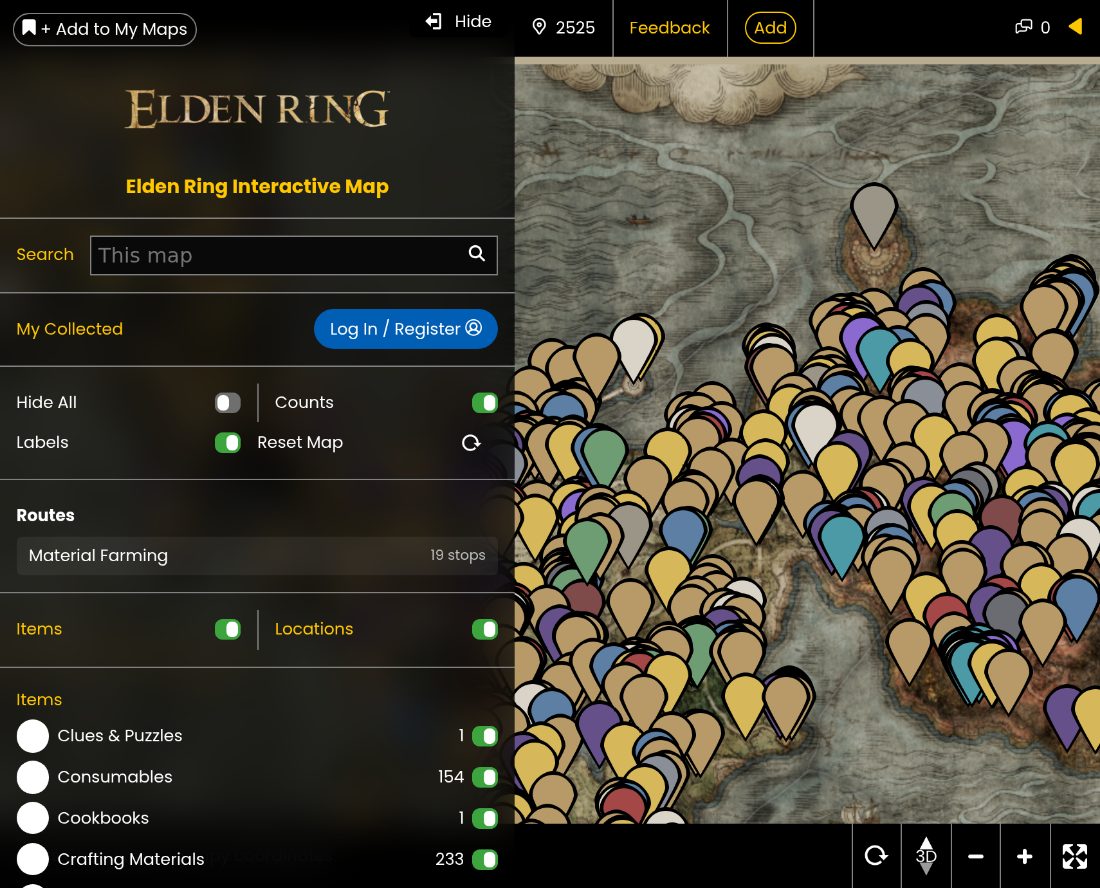
A one-time purchase that unlocks one game's maps: unlimited markers, private map notes and no ads on the map. It is not a subscription, so it never renews and there is nothing to cancel. You will see the option on any map for a game that offers one.
A set of games sold together at a discount. One payment gives you a separate Map Pass for every game in the set. The bundle price is worked out from those games' standard Map Pass prices, minus the bundle discount.
No. Map Explorer, Premium and Legend already include unlimited markers, map notes and ad-free maps on every game, so there is no reason to buy a pass on top. Ad-Free is the exception: it removes advertising but does not include map features.
No. It is a single payment that never expires and never renews, and it stays on the account that bought it.
Collected markers save to your account, so sign in with the same account on every device. Anything collected while signed out was not saved.
Each map has a reset option in its marker menu that clears the markers you have collected on that map. This cannot be undone.
Tell us through the contact form, including the map URL and the marker name or location, and we will get it corrected.
Guides and Content
PDF and EPUB downloads are included with Premium and Legend. Open the guide while signed in and use the download option in the guide menu.
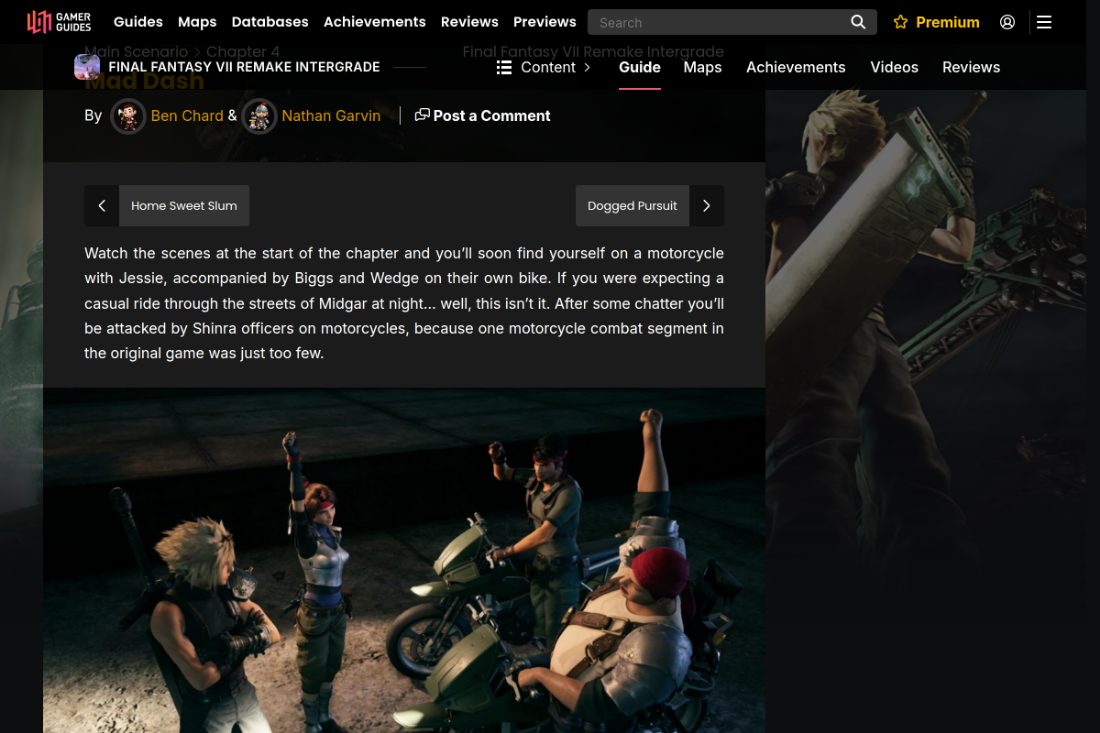
Downloads are generated on demand and large guides take a moment. Check that you are signed in to a Premium or Legend account. If it still will not start, tell us which guide and format.
Use the contact form with the page URL and what needs correcting, and we will get it fixed.
Yes. Send us a request with the game you would like to see and we will add it to the list we weigh up each cycle.
Our guides, maps and databases are covered by copyright. For licensing or reuse, contact us and we will talk it through.
Technical Problems
Try a hard refresh (Ctrl or Cmd, Shift and R), then a private window to rule out an extension or a stale cache. If it continues, report it with the page URL.
These save to your account. Check that you are signed in and that your browser is not blocking cookies for gamerguides.com.
Use the contact form and include the page URL, what you did, what you expected and what happened instead. A screenshot helps.
Community and Privacy
You can request deletion from your account settings, or through the contact form. We remove your personal data in line with our privacy policy.
Your account details, your saved progress and your payment history. To request a copy, contact us and we will send it to your account email address.
Use the report option on the post where it is available, or send us a message with a link to the post and a short description of the problem.
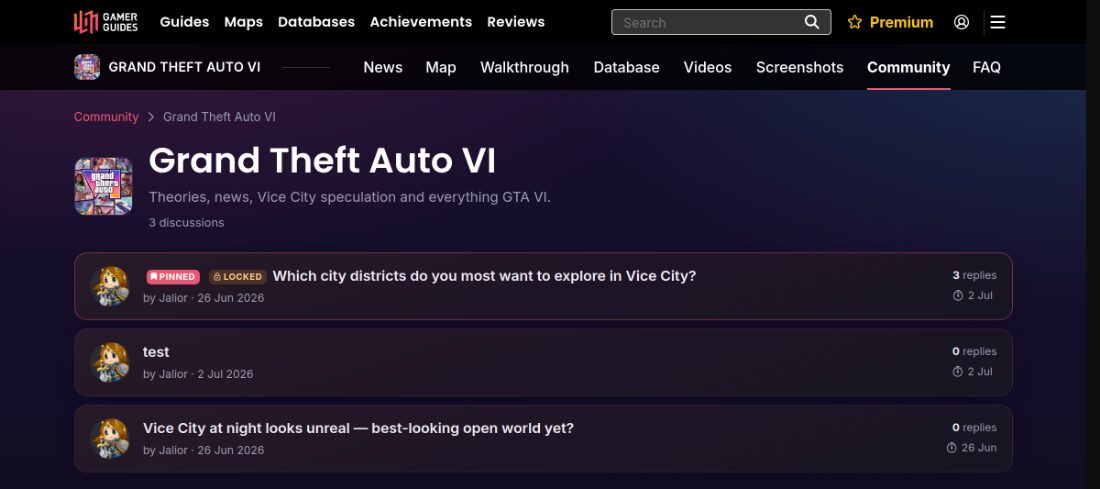
Posts are expected to stay respectful, on topic and free of spam. Our team reviews reports and may edit or remove posts that break those rules.
No. Keep account, billing and privacy questions to the contact form so your details stay private.