
Dying Light: The Beast is out, and with it, the co-op antics return. Players will be able to unlock co-op and play with friends after the tutorial mission, and when that happens you can play as a group. Unlike previous versions of the game, The Beast’s co-op progression is shared, and so, you can get the usual co-op rewards like weapons, mods, and other blueprints, but also progress the story at the same time if you’d like.
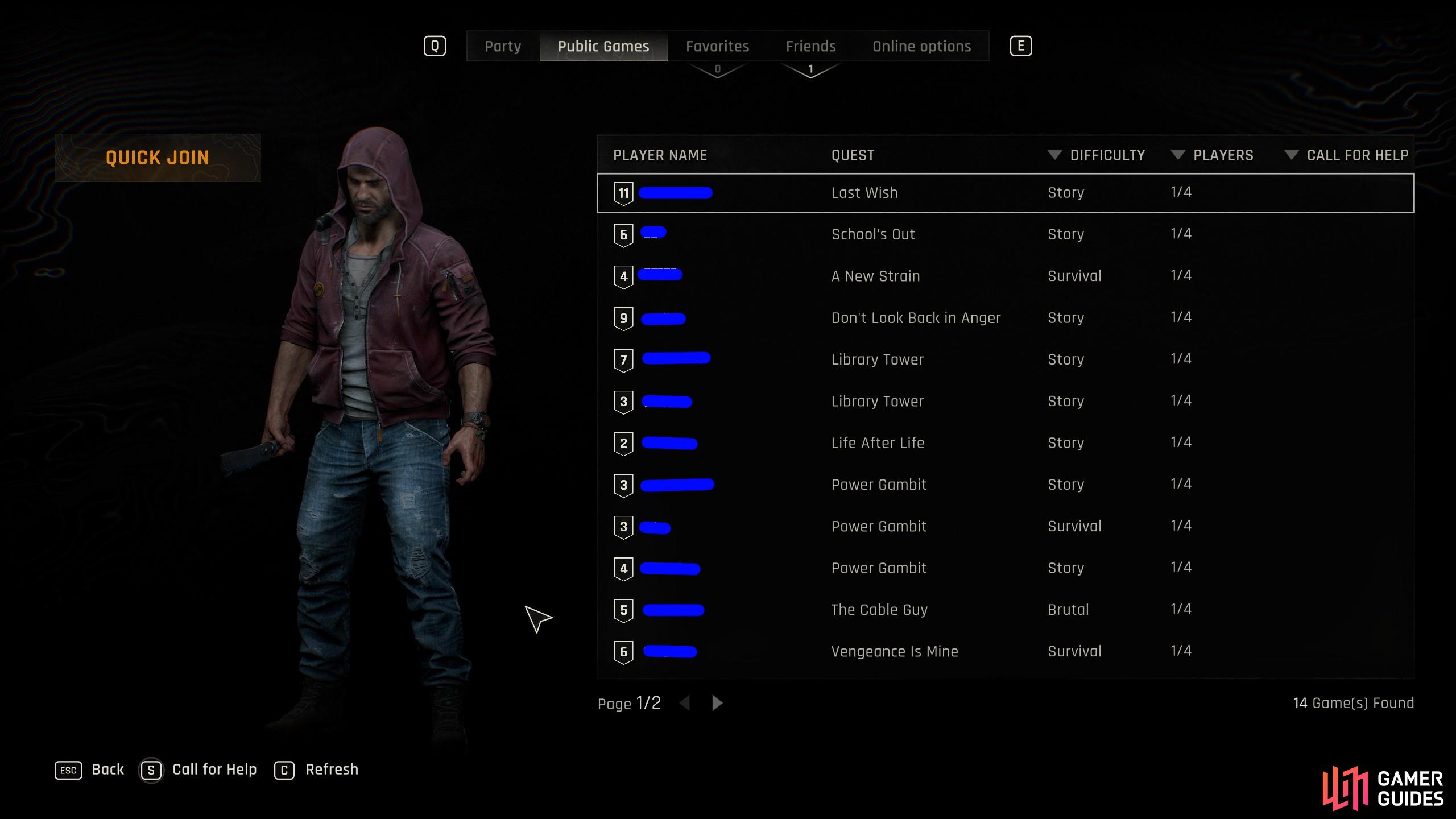
You can play Dying Light The Beast and get shared progression if you’re at the right stage of the game as someone. Image via Gamer Guides / Techland.
The Beast Co-op Progression
Techland, the developers behind the Dying Light franchise, has said that The Beast will have shared progression. What that means is that if you play the co-op game together, you can play through the game and unlock the quests at the same time. It’s a little different from Dying Light 1, as that followed a linear story, but only the host got quest progression completed. In this, as long as you’re up to the same bits, then you can share the progression too. If your characters are desynced, then you won’t share the same main progression, but you’ll still get weapons, mods and blueprints, similar to how the previous games worked.
Though, if you complete the secondary missions and that type of thing, you won’t need to redo them again in your playthrough. It’s one of the pain points from the first two games of co-op where if you went back into your save, then you essentially had to replay the game, albeit with slightly more OP items and character level for the bit you were at.
Cross Play and Cross Progression
As it stands, there is no cross play or cross progression in Dying Light: The Beast. The only cross-platform gameplay is on the PC, where Steam and Epic players can play cross progression by linking their Steam and Epic Games accounts on the same Techland account.
You can tell it’s your platform only as there is no unique friend code, no Techland account name. It’s all just the username of that person in the server browser or lobby, with a keybind that shows your account profile for the platform you’re on.

No Comments