The Gamer Guides app
Every map and guide, in your pocket
Interactive maps, guides and progress tracking, built for iPhone, iPad and Android.
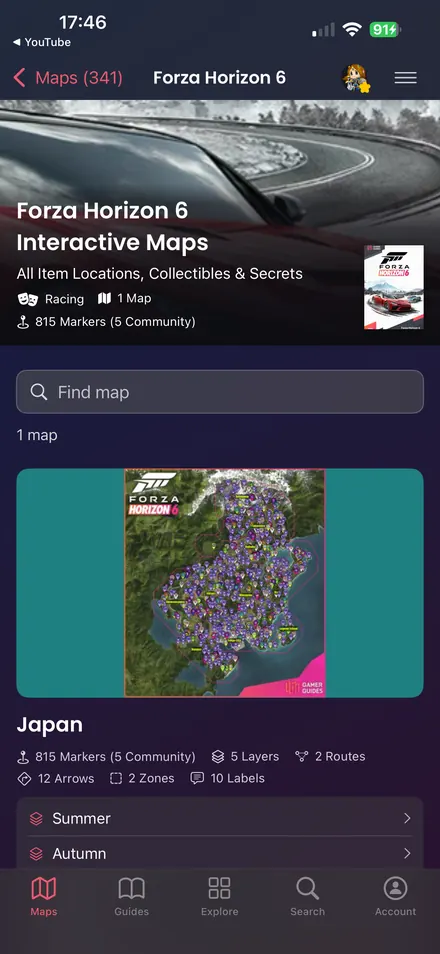
- Explore every interactive mapThousands of hand-placed markers, screenshots and locations.
- Read every guideSearch complete walkthroughs and jump to any page.
- Keep track of collectiblesCheck off up to 50 per map free, synced across your devices.
Free on the App Store and Google Play, with in-app purchases.
Explore the app
Scan to download
Browse every screen



App description
The Gamer Guides app: hundreds of professionally written game guides, interactive maps, item databases and trophy guides from GamerGuides.com.
INTERACTIVE MAPS
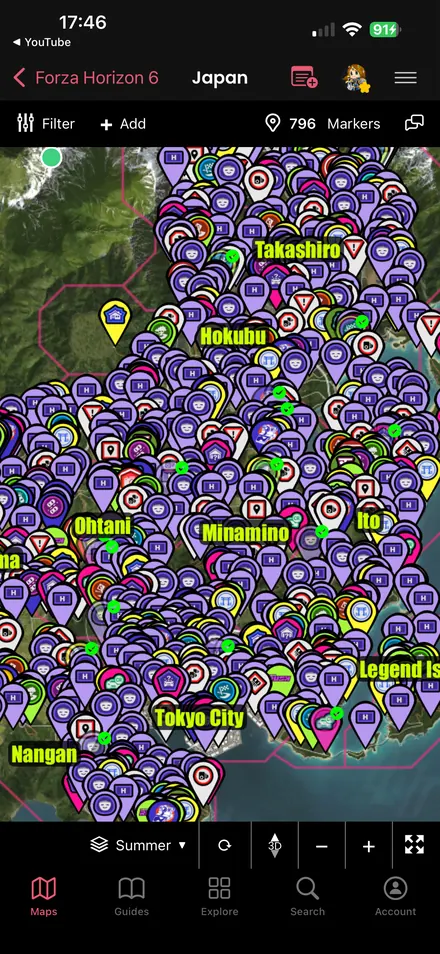
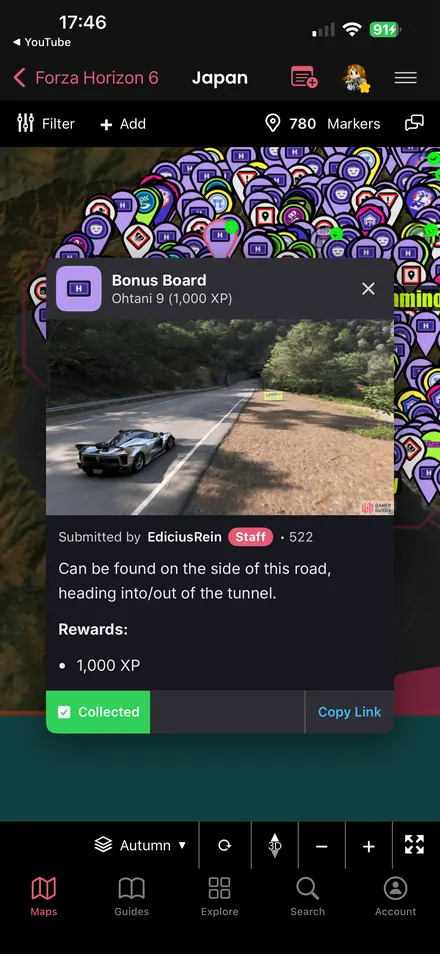
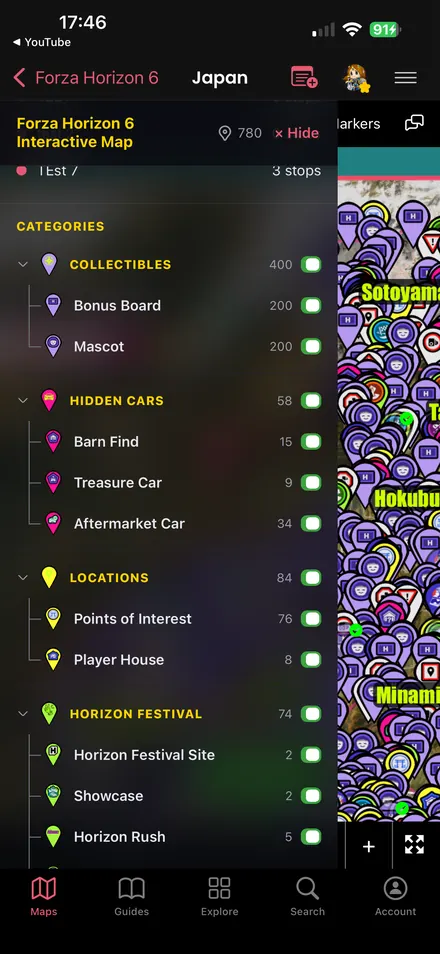
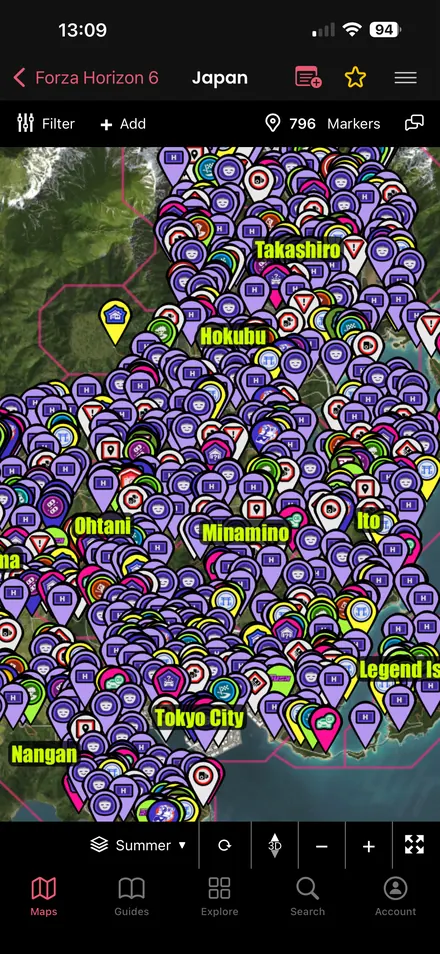
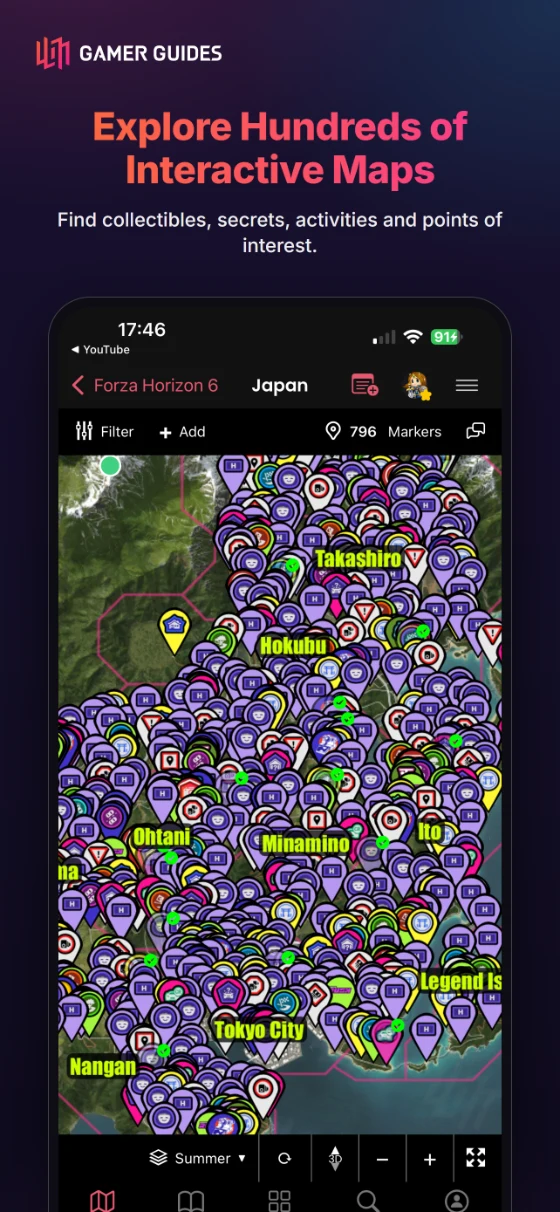
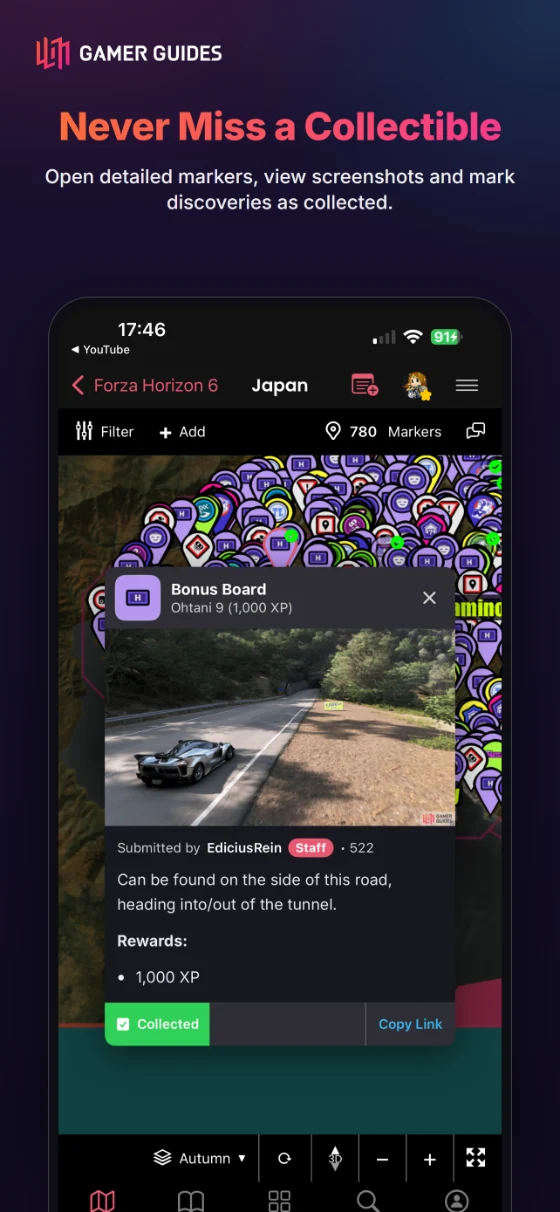
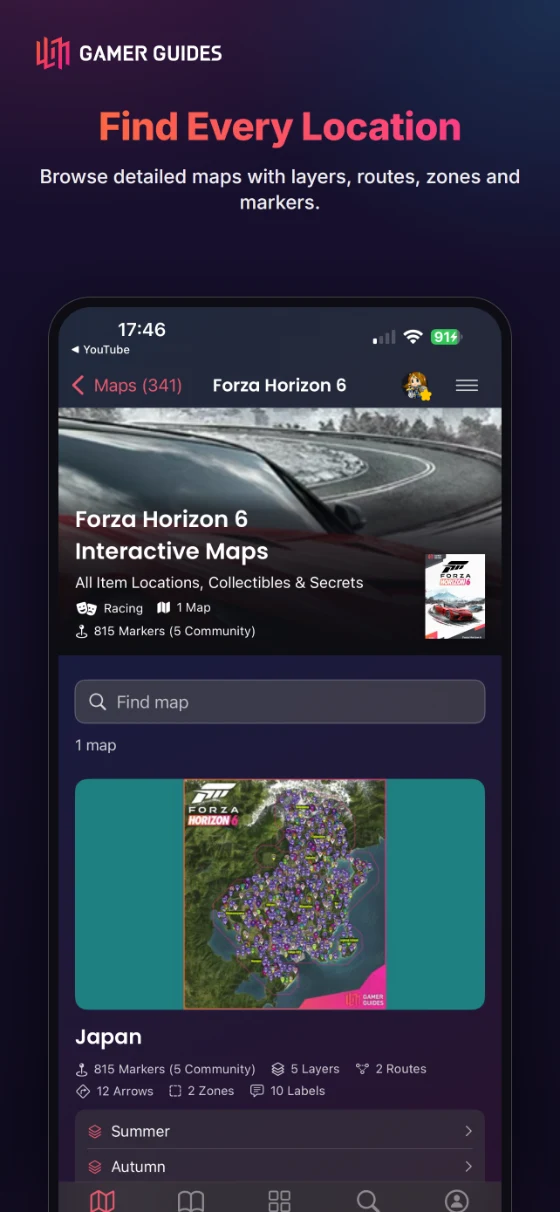
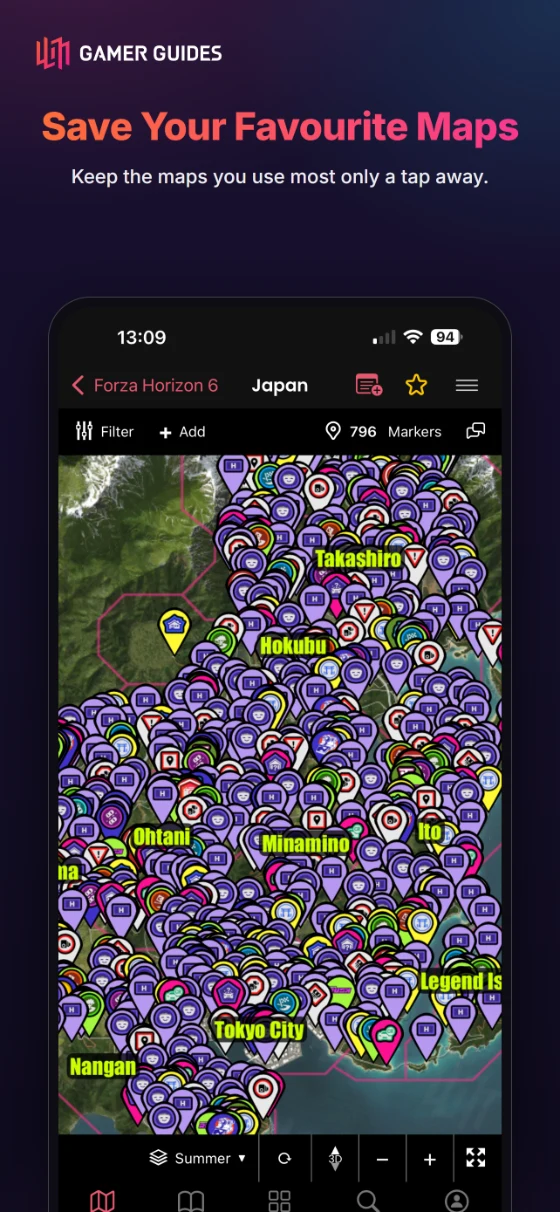
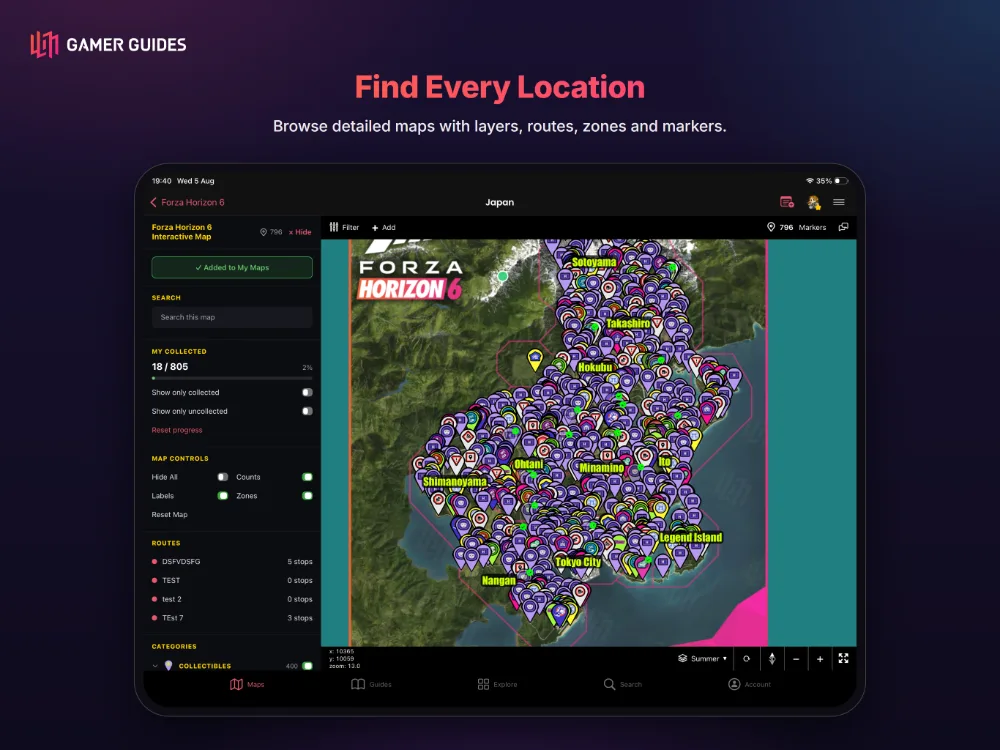
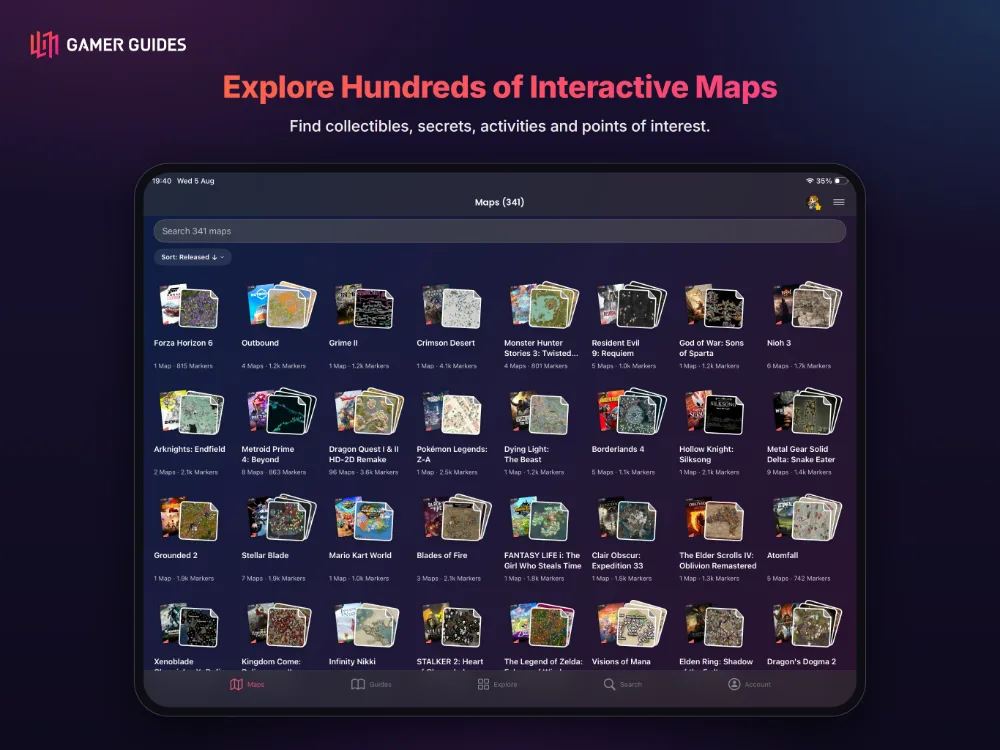
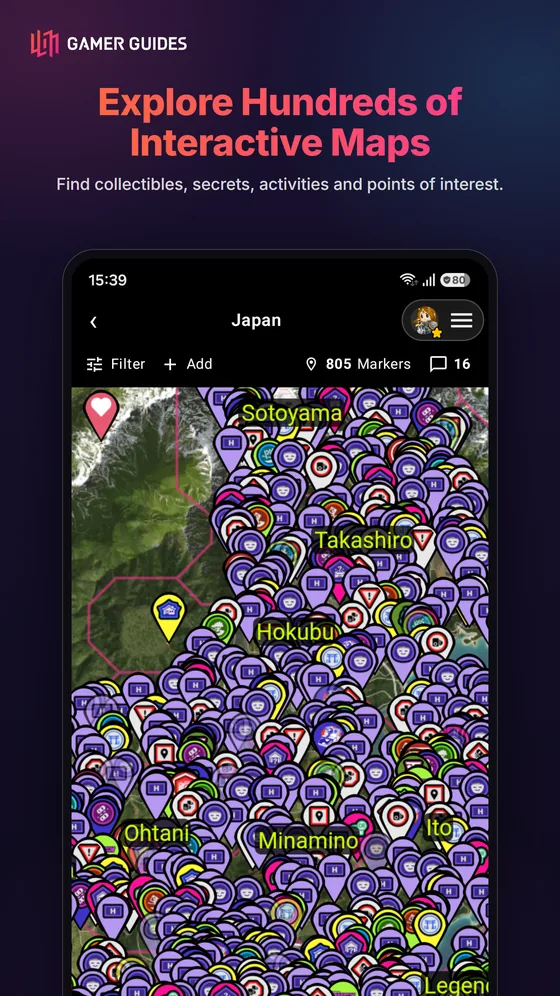
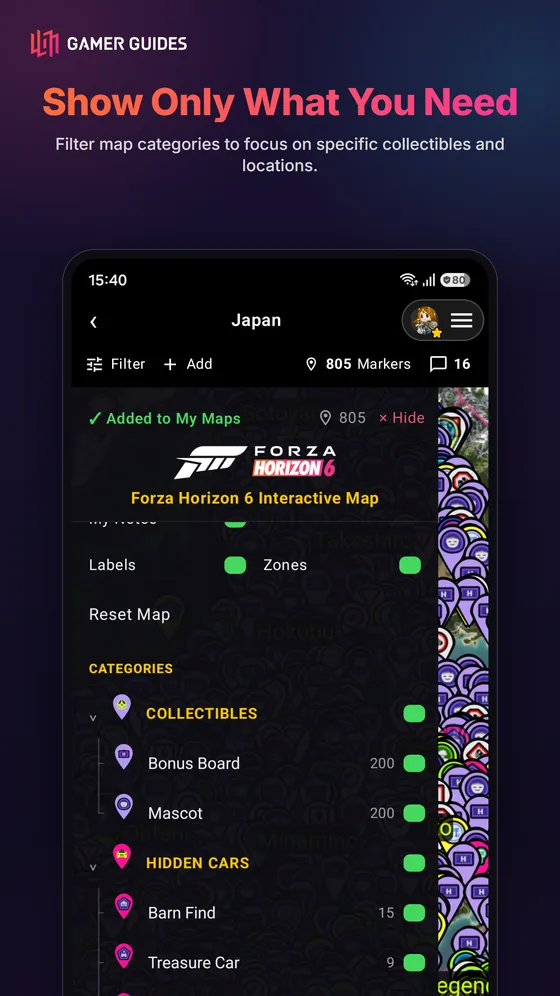
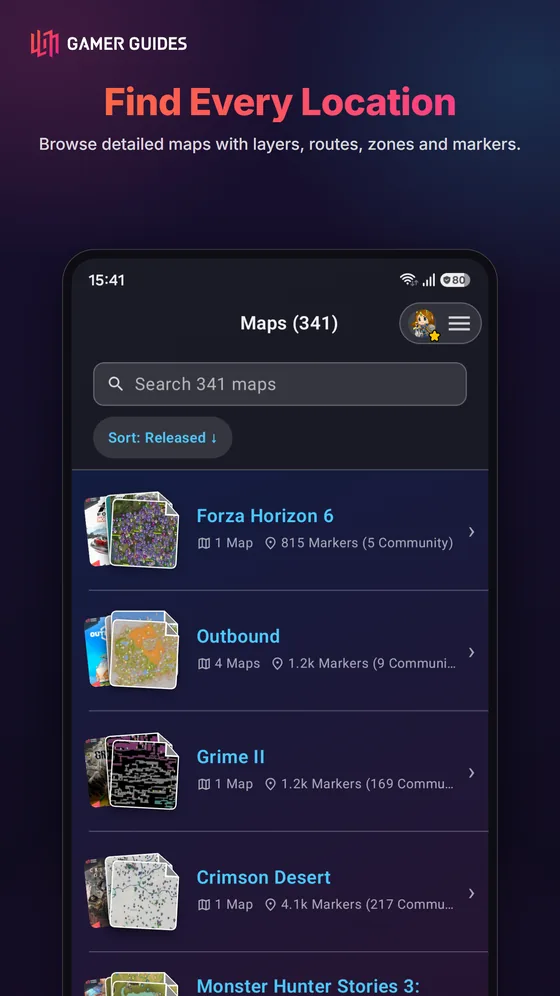
- Hundreds of interactive maps, with thousands of markers on the biggest.
- Pan, zoom, rotate and tilt into 3D, with multiple floors and regions.
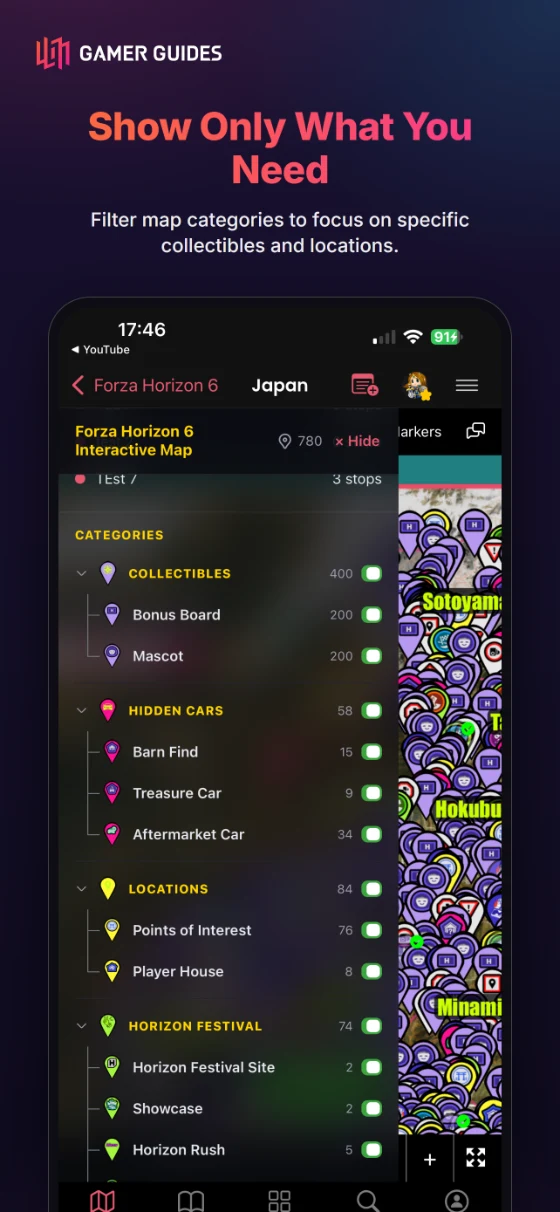
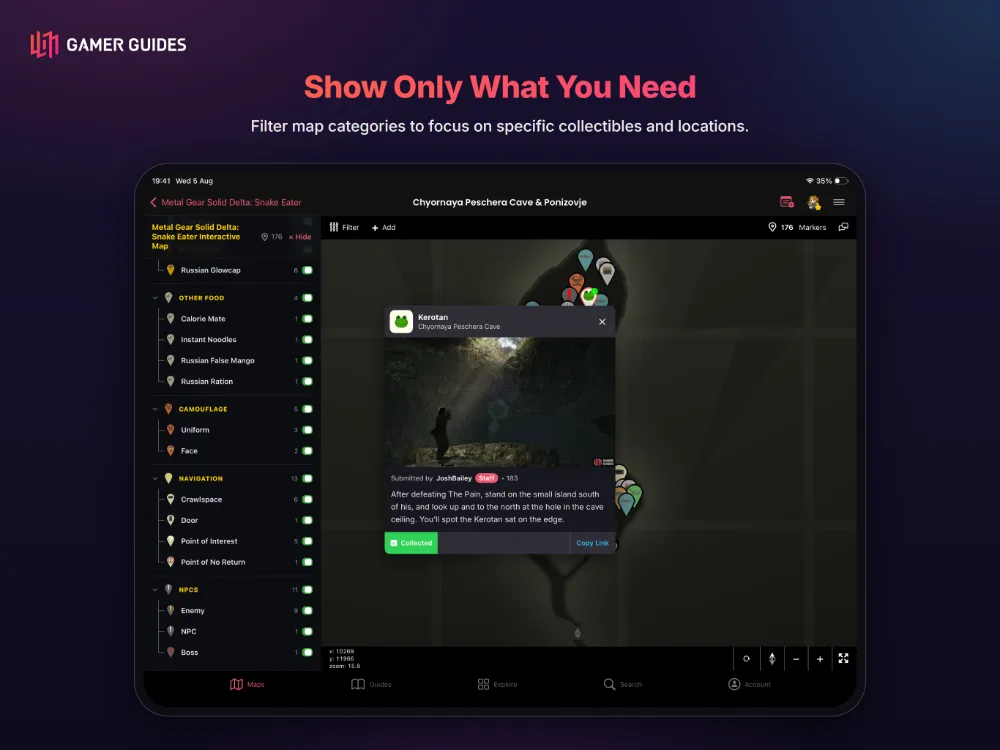
- Filter by category with live counts, or search a map by name.
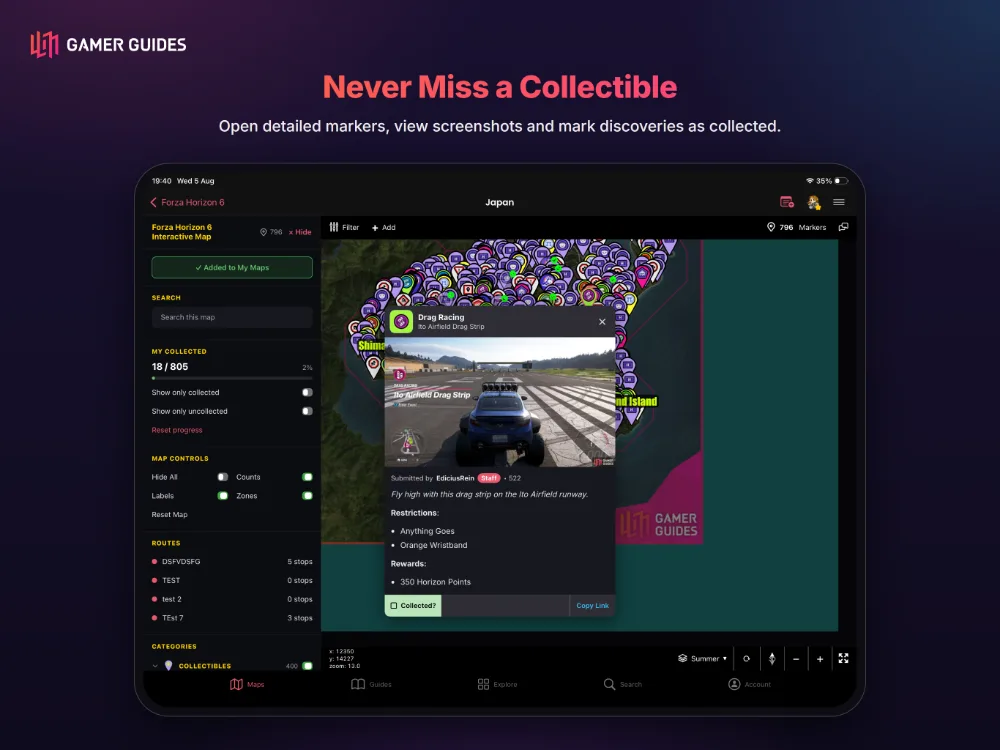
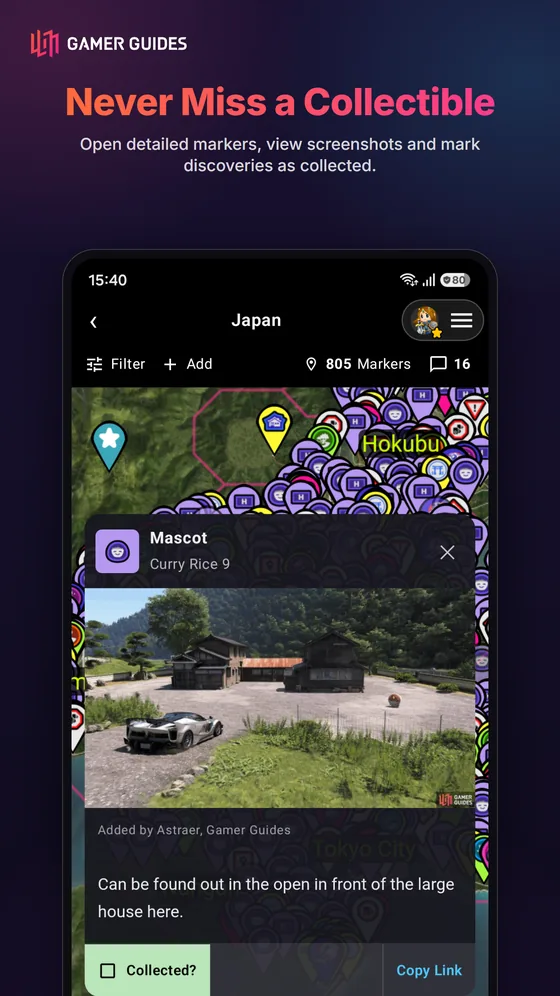
- Tick off collectibles as you find them; show, fade or hide those found.
- Routes trace an efficient path step by step; zones, labels and arrows mark areas and directions.
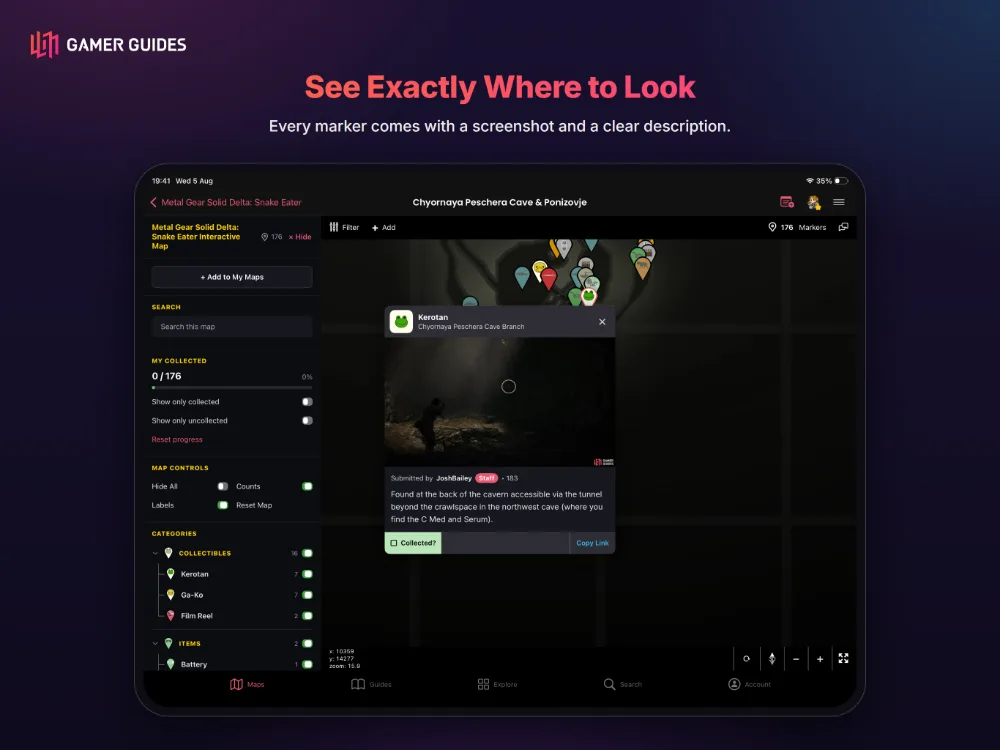
- Add your own markers for anything we missed, with a screenshot and description, reviewed by our team.
- Leave private notes pinned anywhere on a map, just for you.
GUIDES AND WALKTHROUGHS
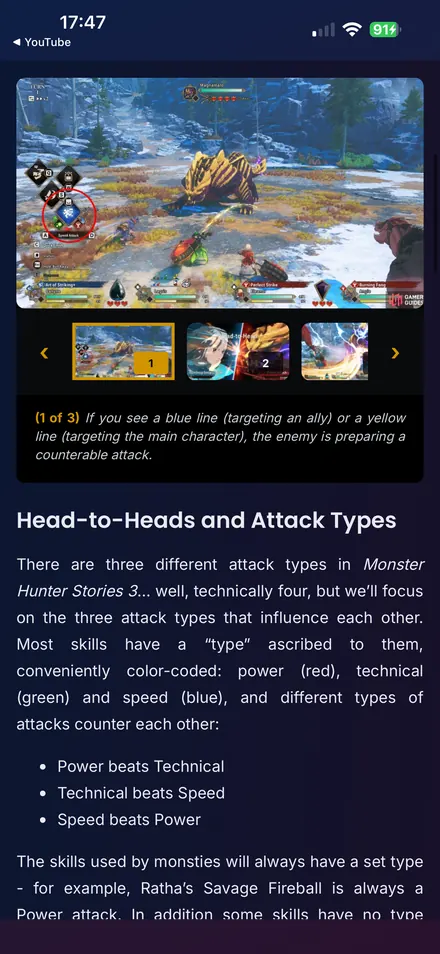
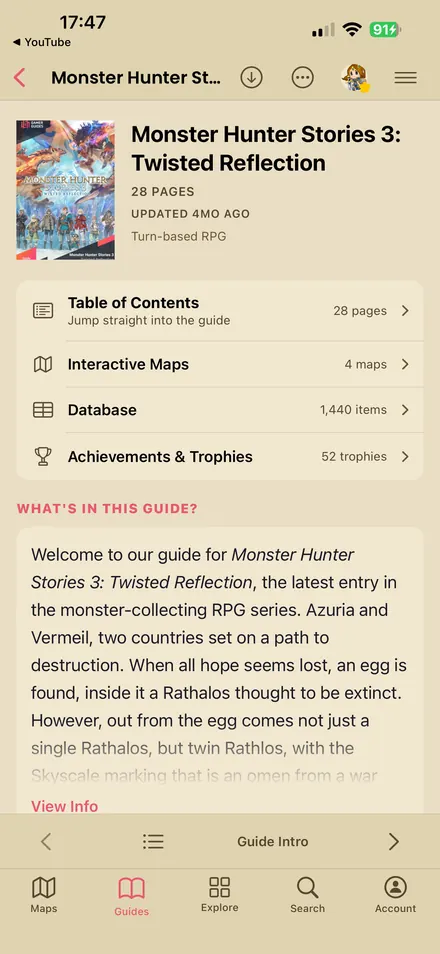
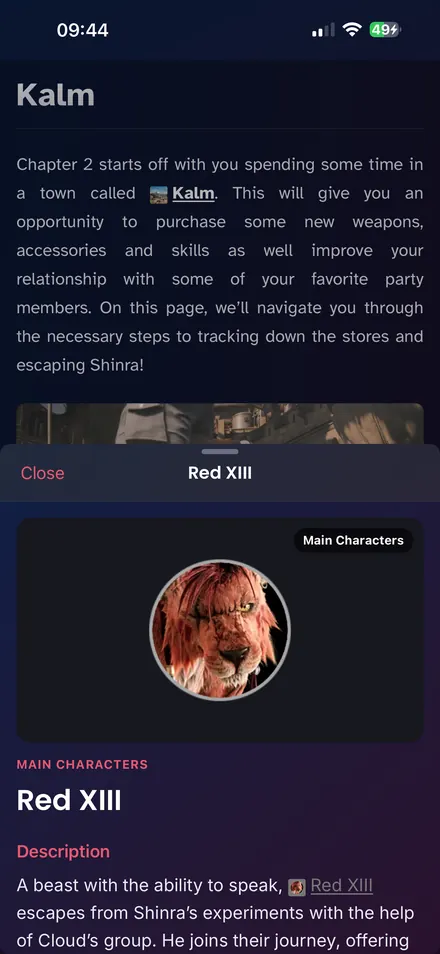
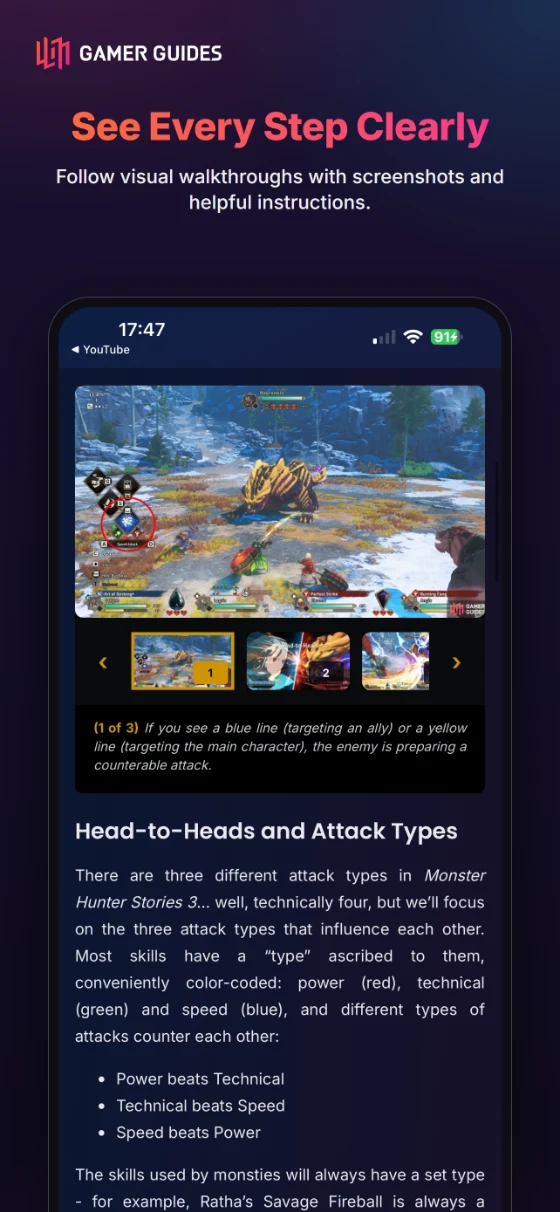
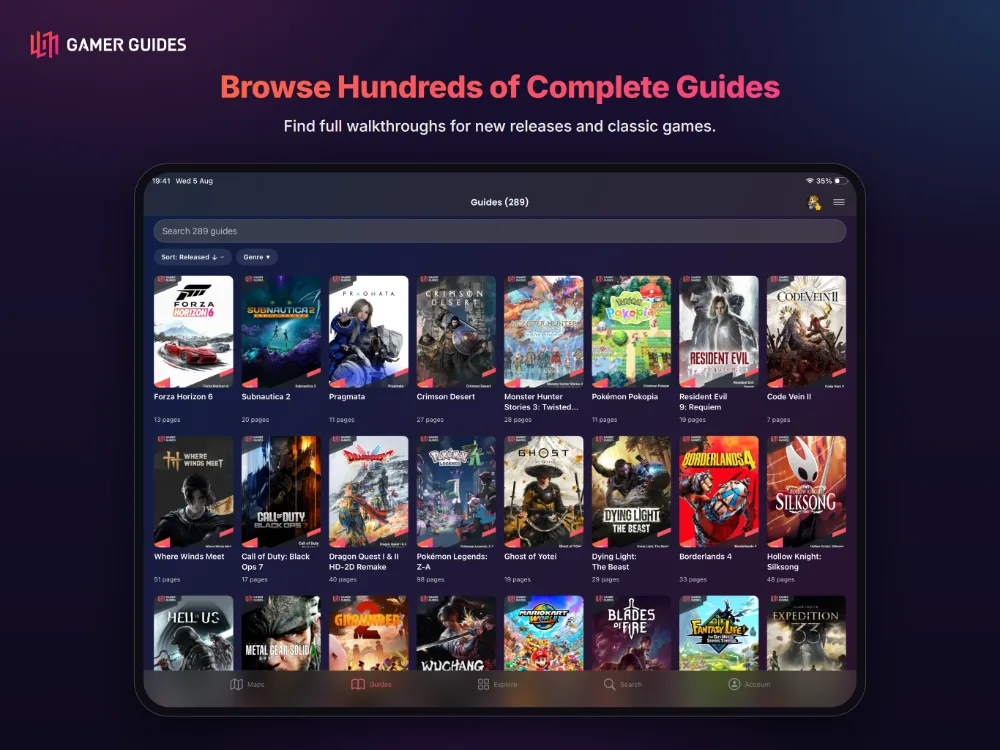
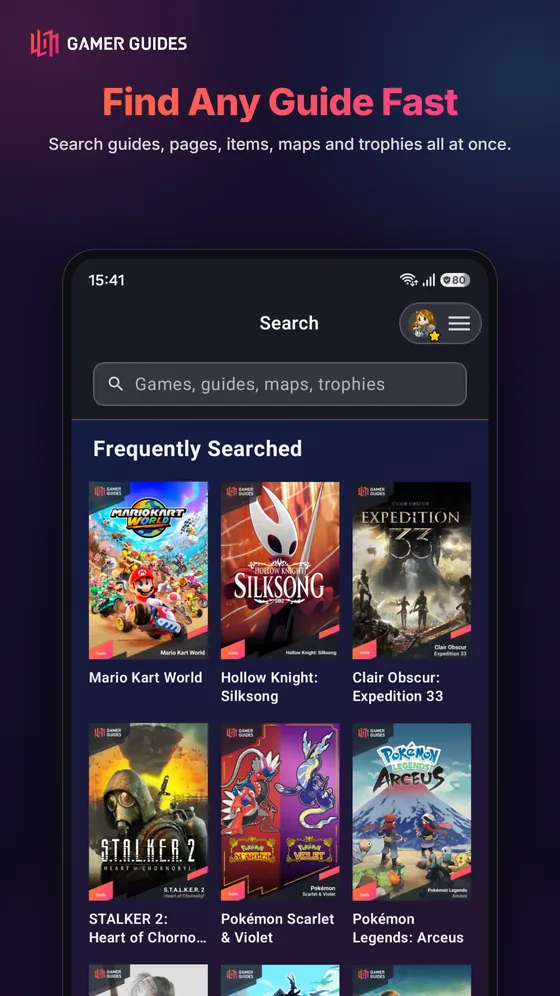
- Hundreds of complete walkthroughs, searchable by title, release date, publisher or last updated.
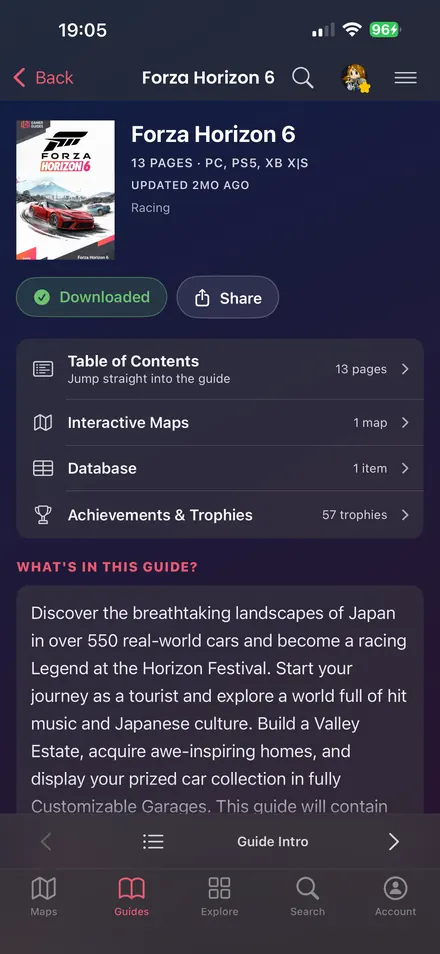
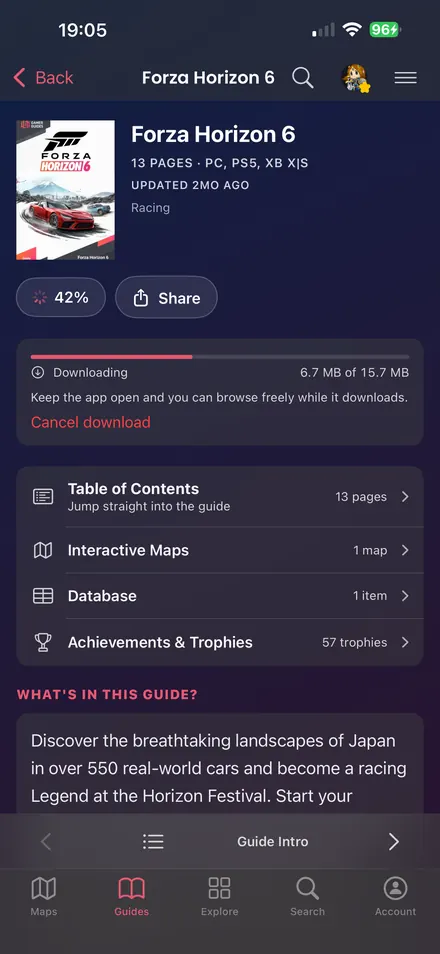
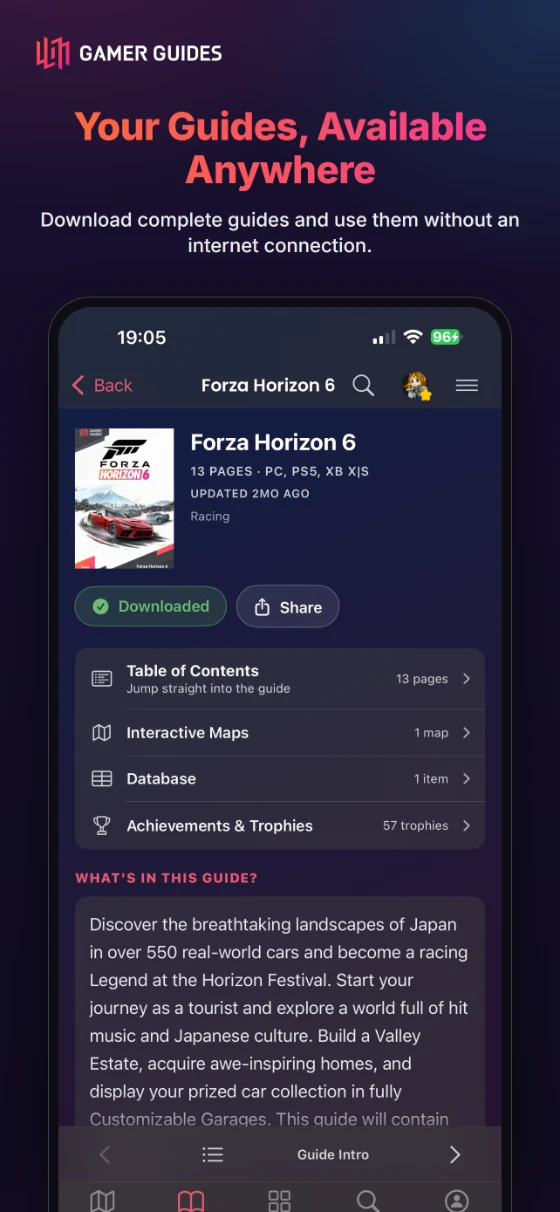
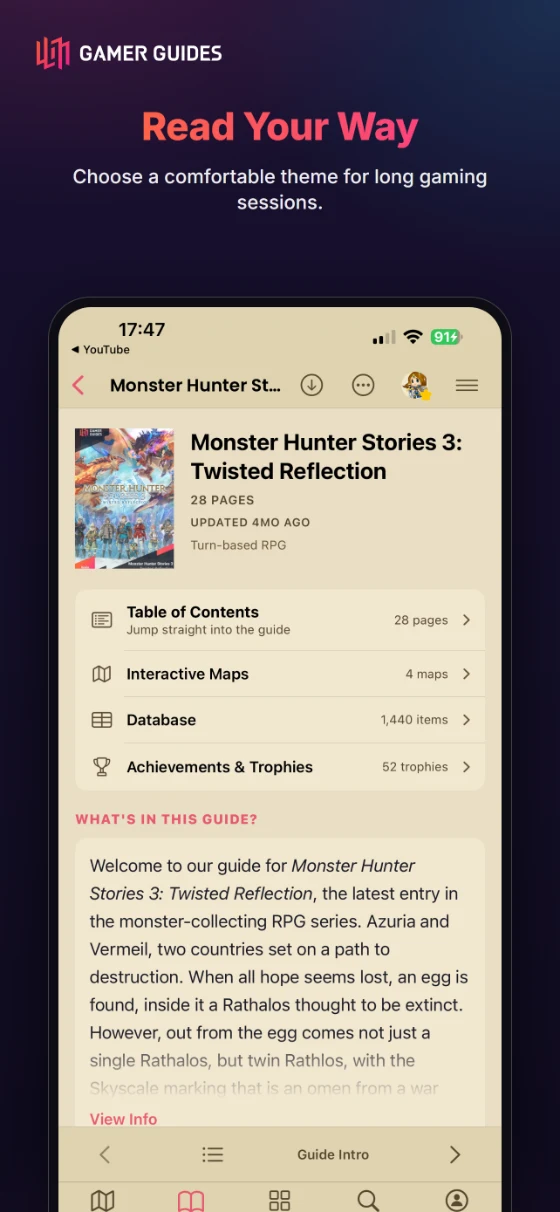
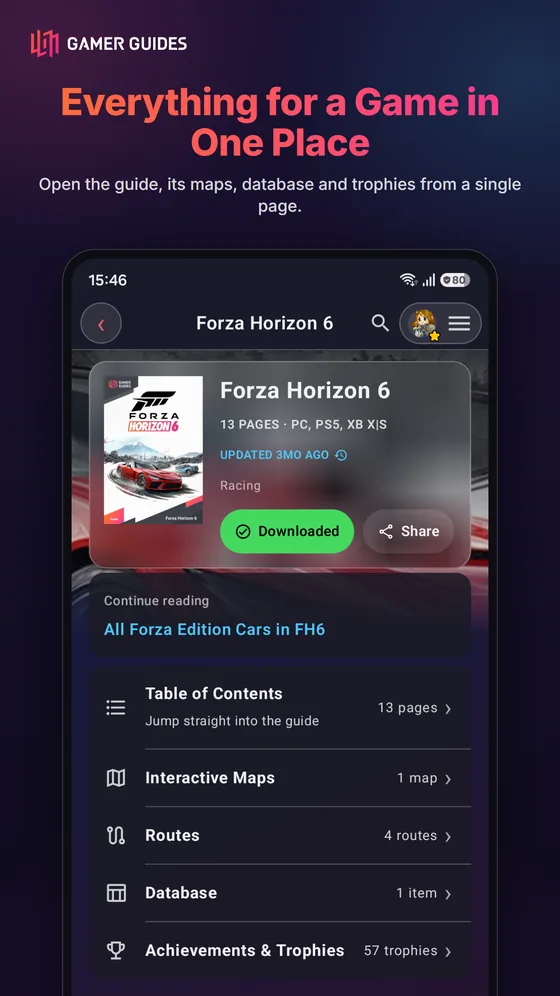
- Each guide shows what it holds: pages, maps, database, achievements, videos and reviews.
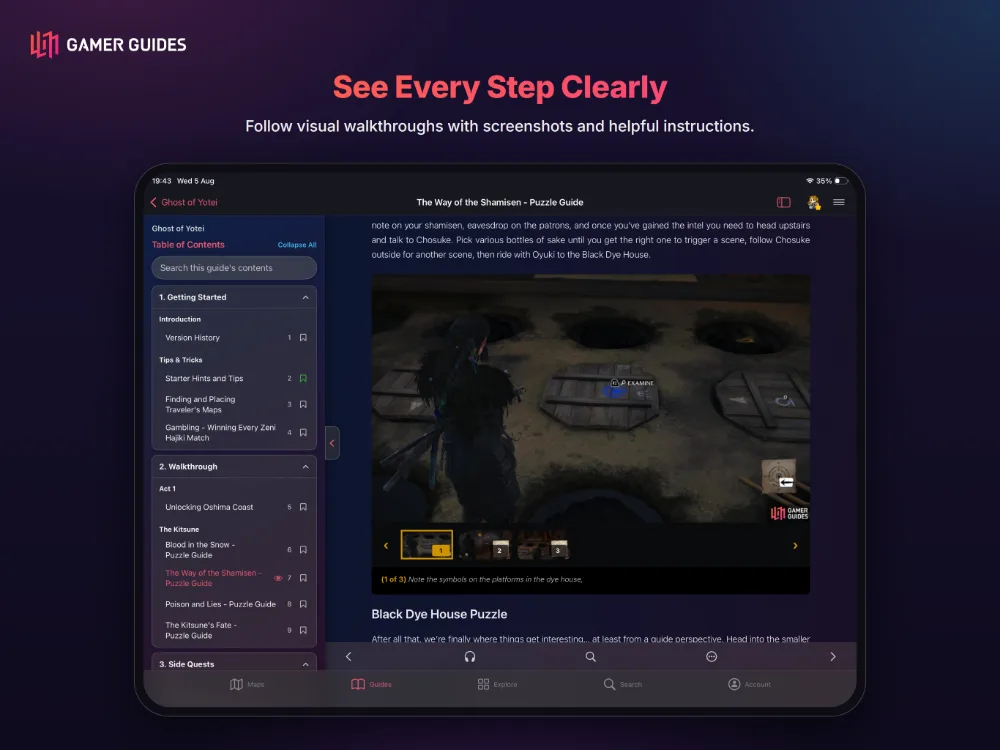
- Jump to any page from the contents, with search inside a guide.
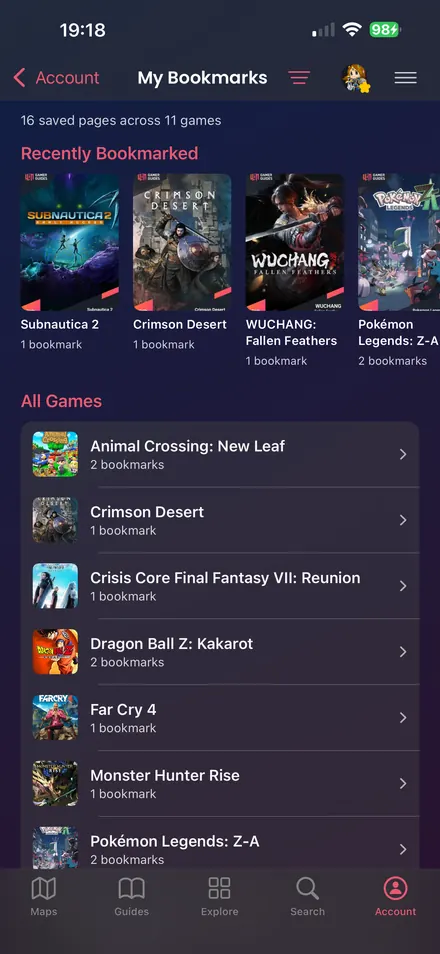
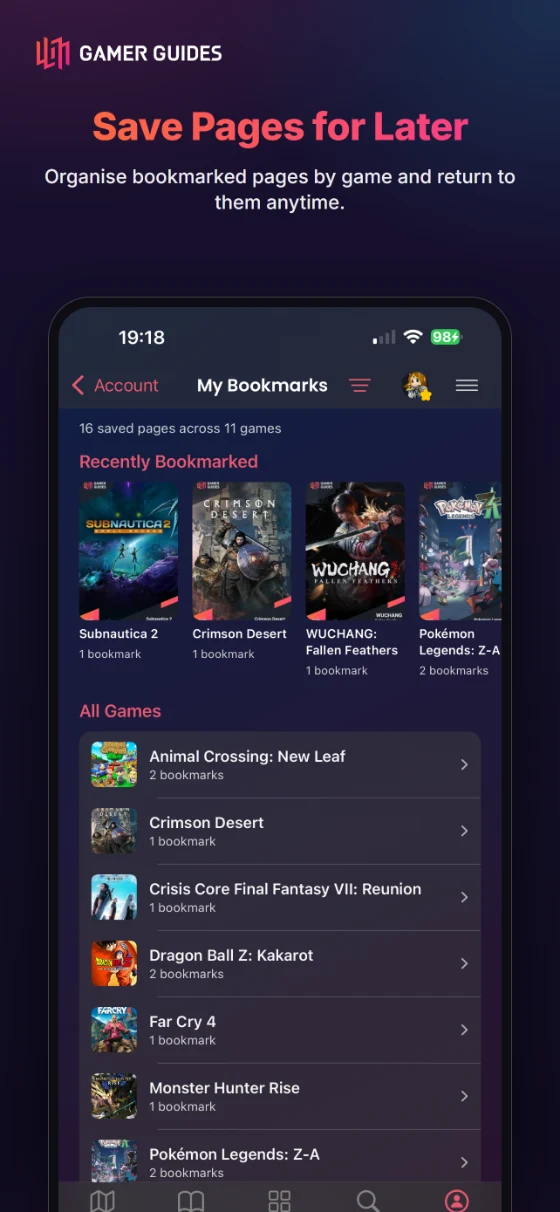
- Bookmark any page and pick up where you left off.
- Continue reading returns every guide to the page you stopped on.
- Comment on any page and read what others have added.
CHECKLISTS
- Track every collectible, one location at a time, from the guide or a map marker.
- Locations sharing a screenshot gather into one card.
READ YOUR WAY
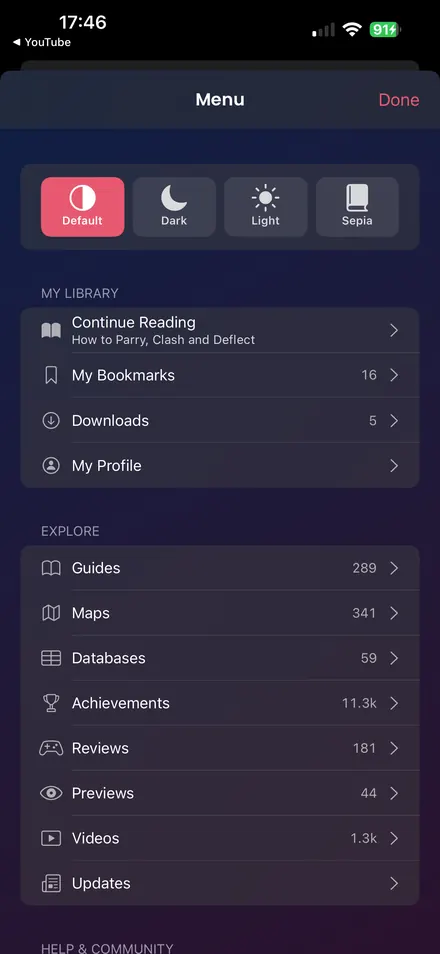
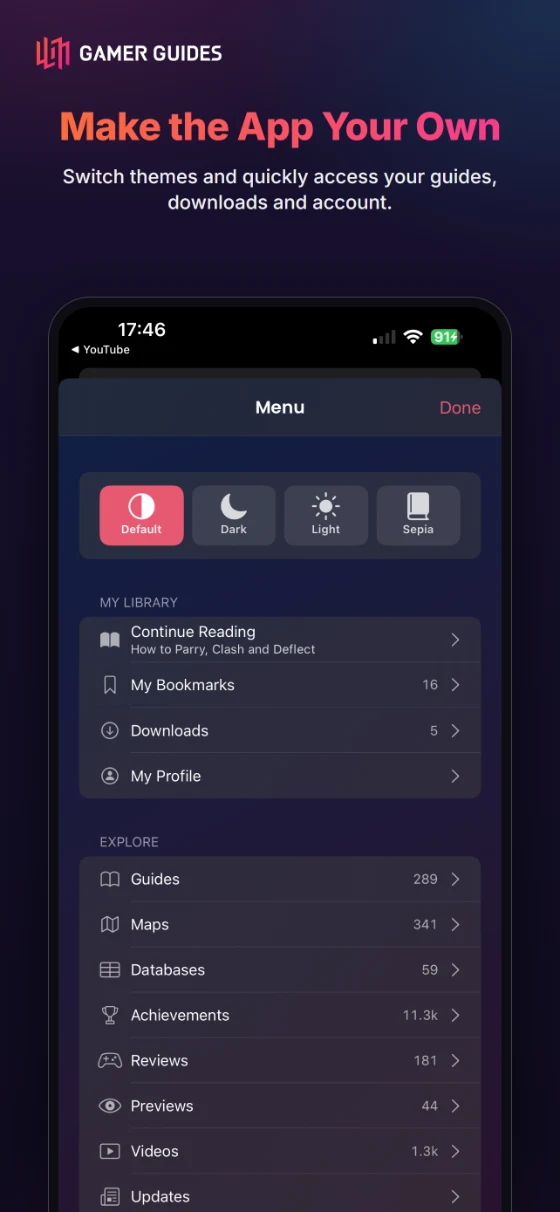
- Default or Light for the app; Default, Light or Sepia reading paper in the reader.
- Adjustable text size and body typefaces including Atkinson Hyperlegible and OpenDyslexic, drawn for easier reading.
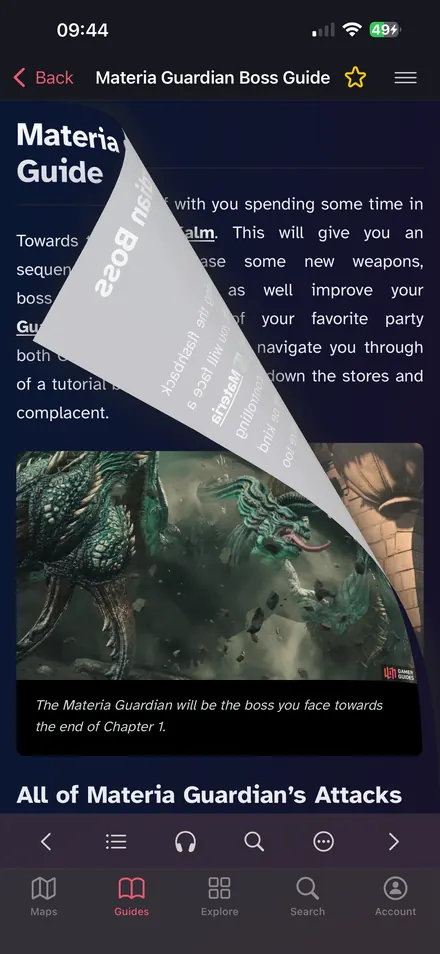
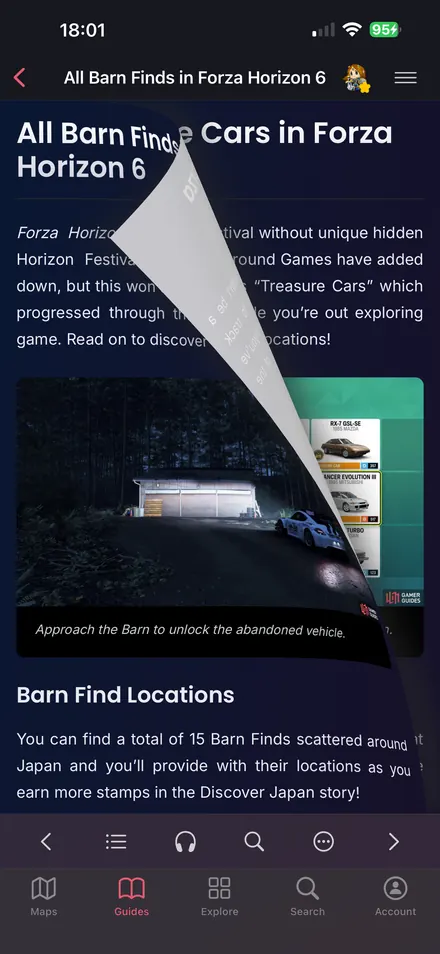
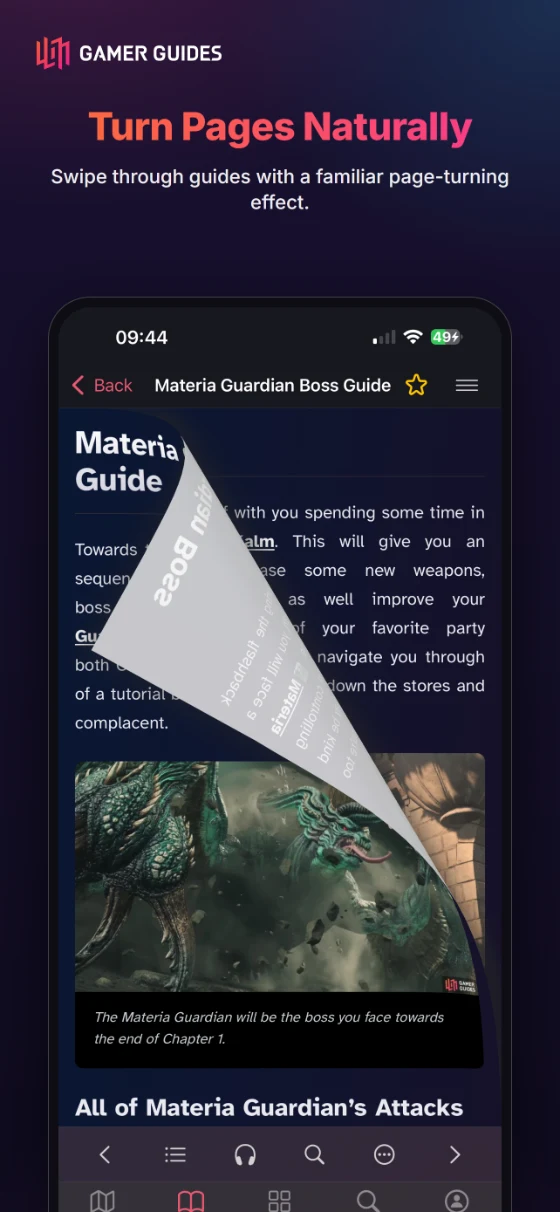
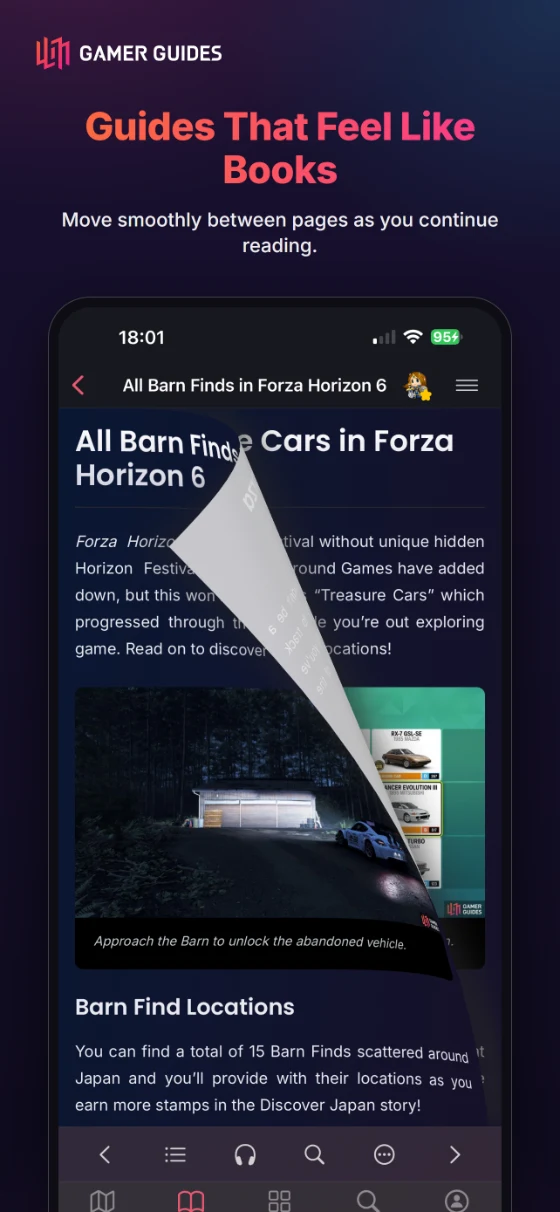
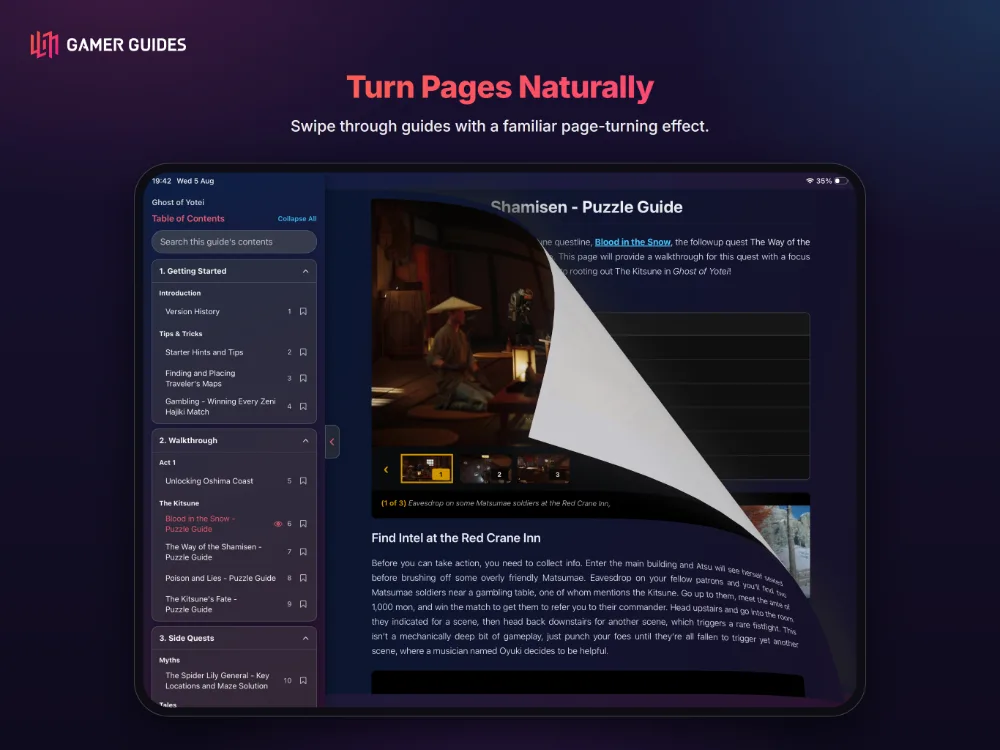
- Swipe or tap between pages, with a page curl you can turn off.
- On a tablet, keep the contents open beside the page: it follows you as you read and marks where you are.
DATABASES
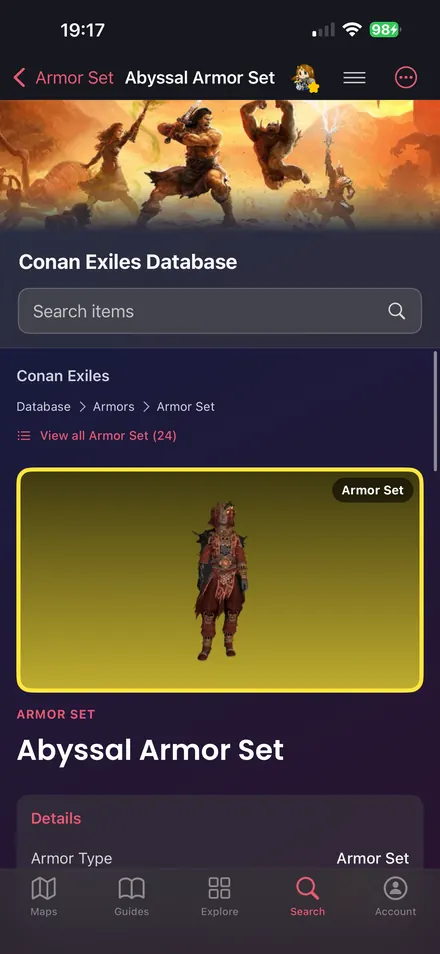
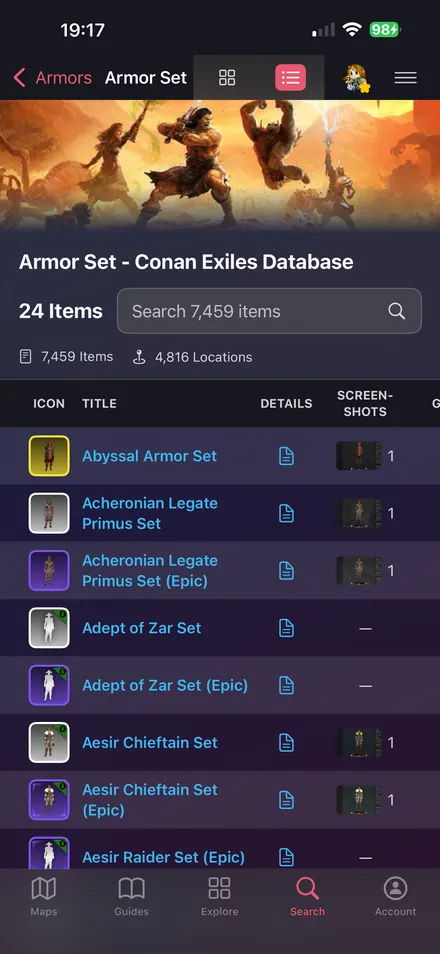
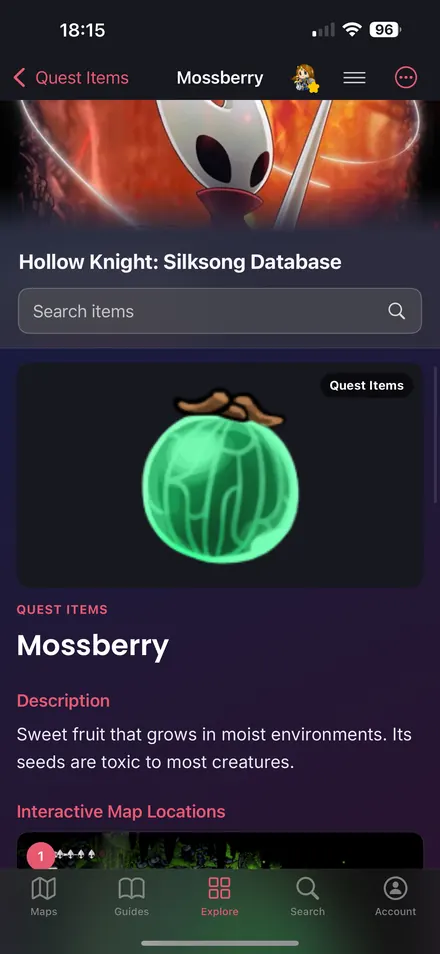
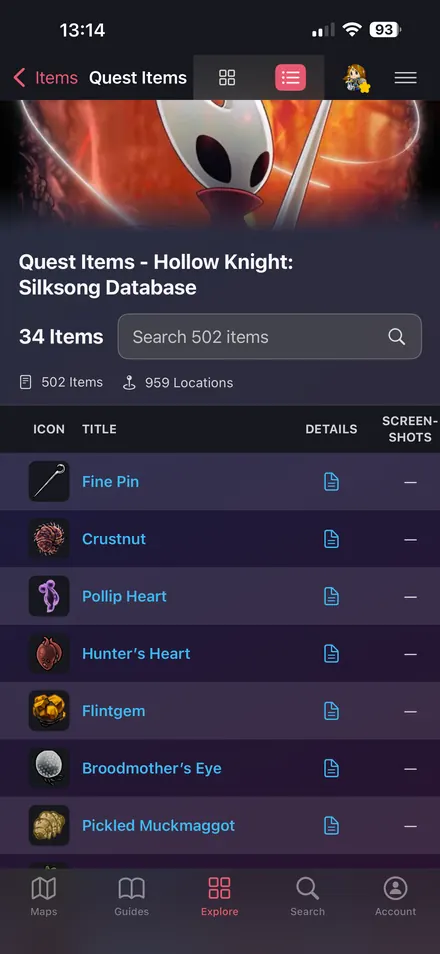
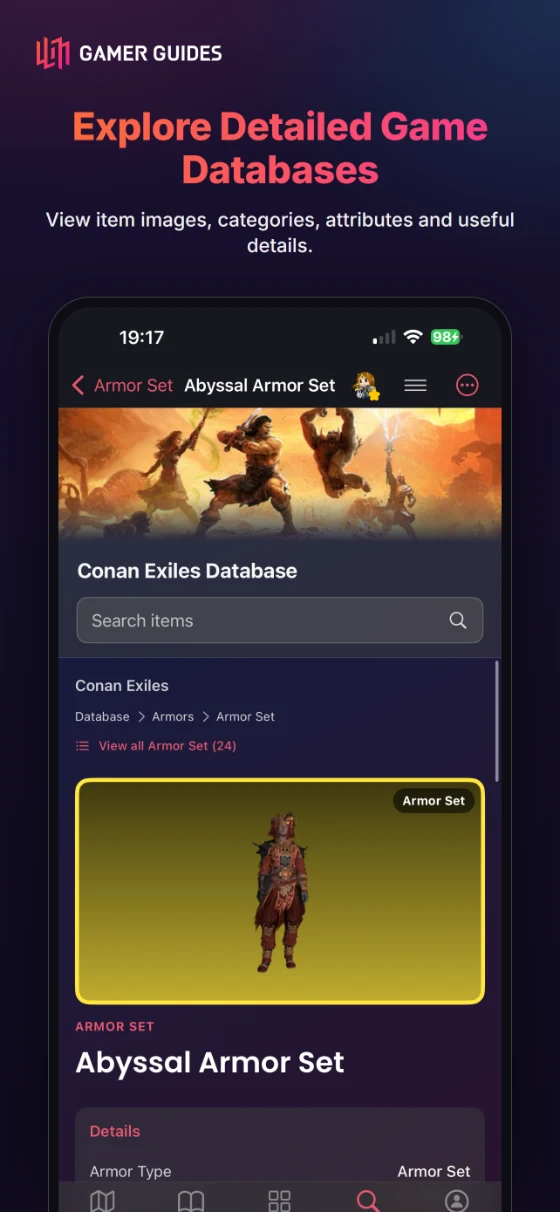
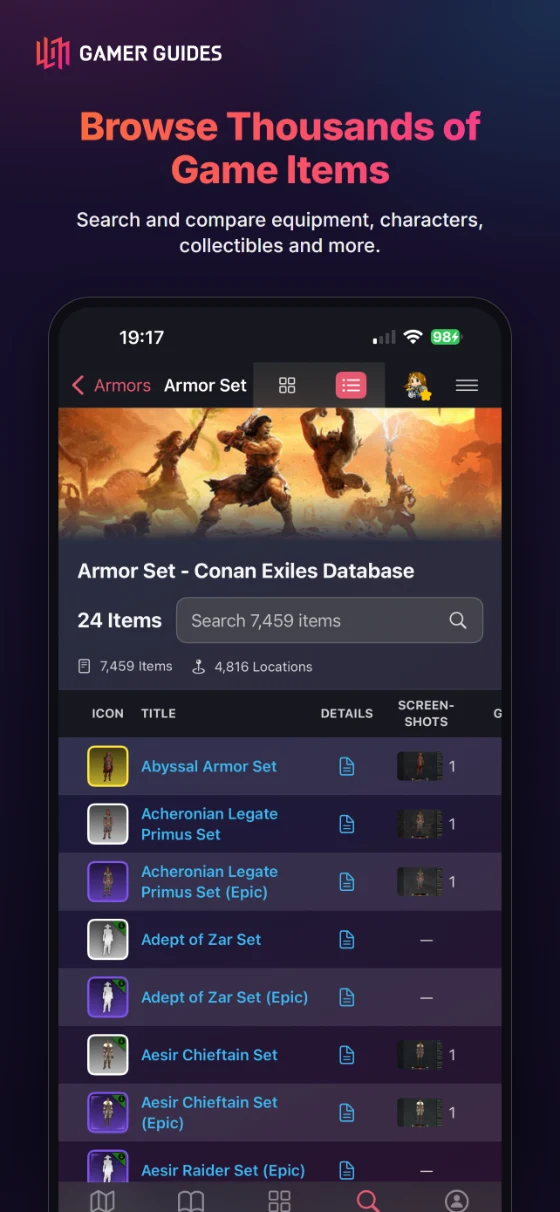
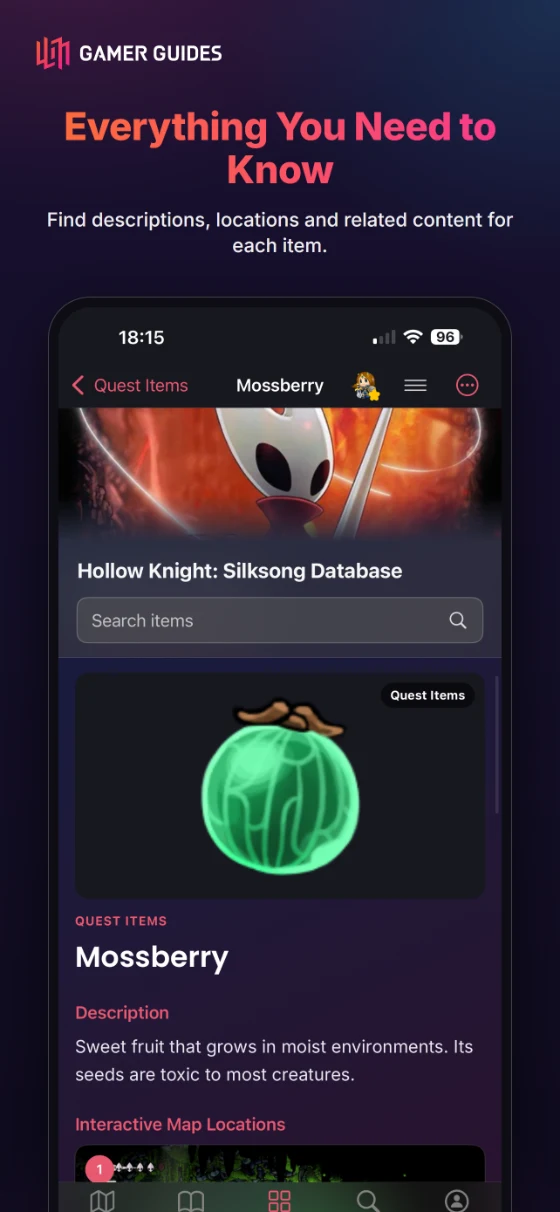
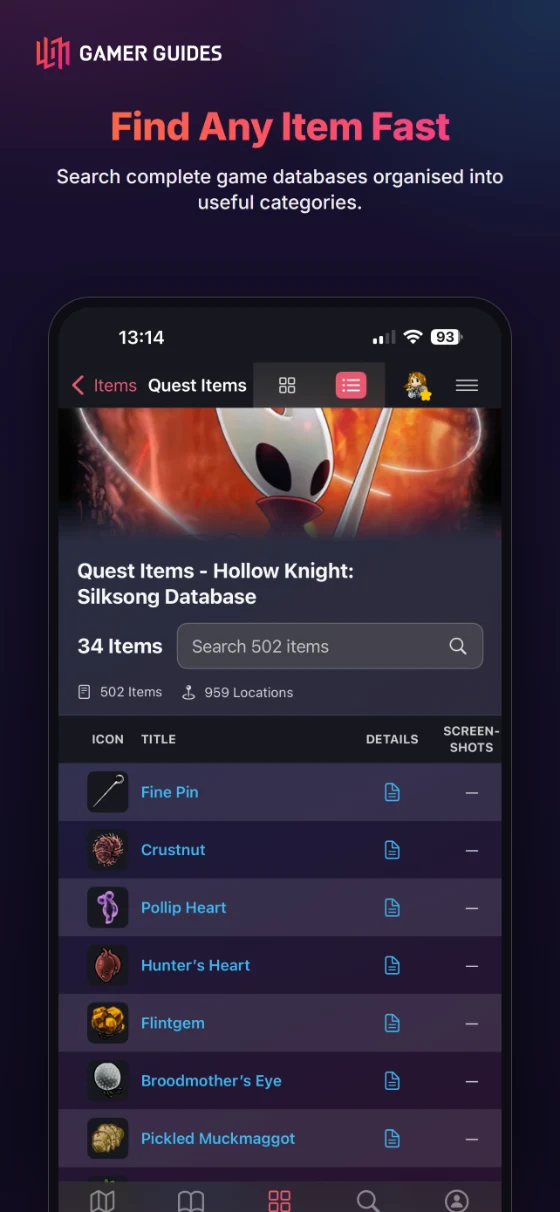
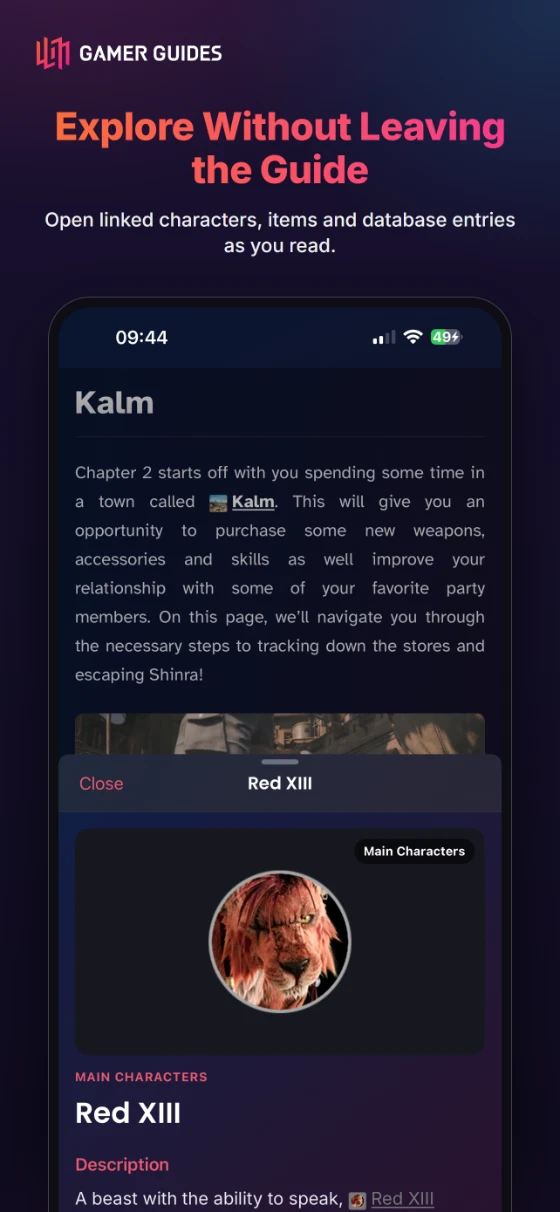
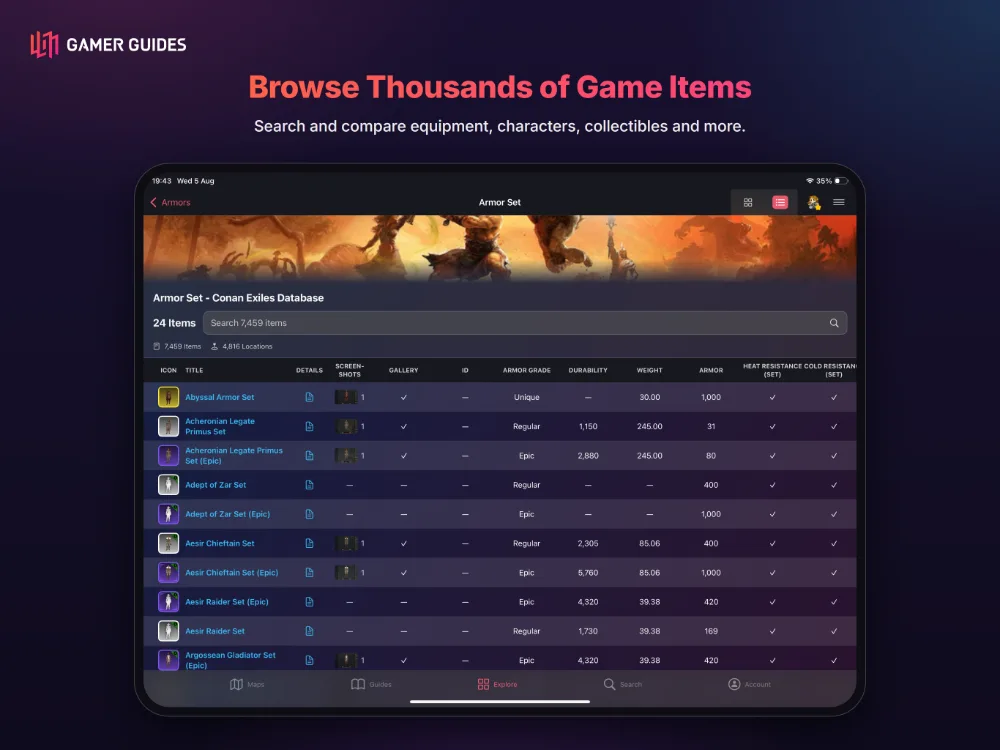
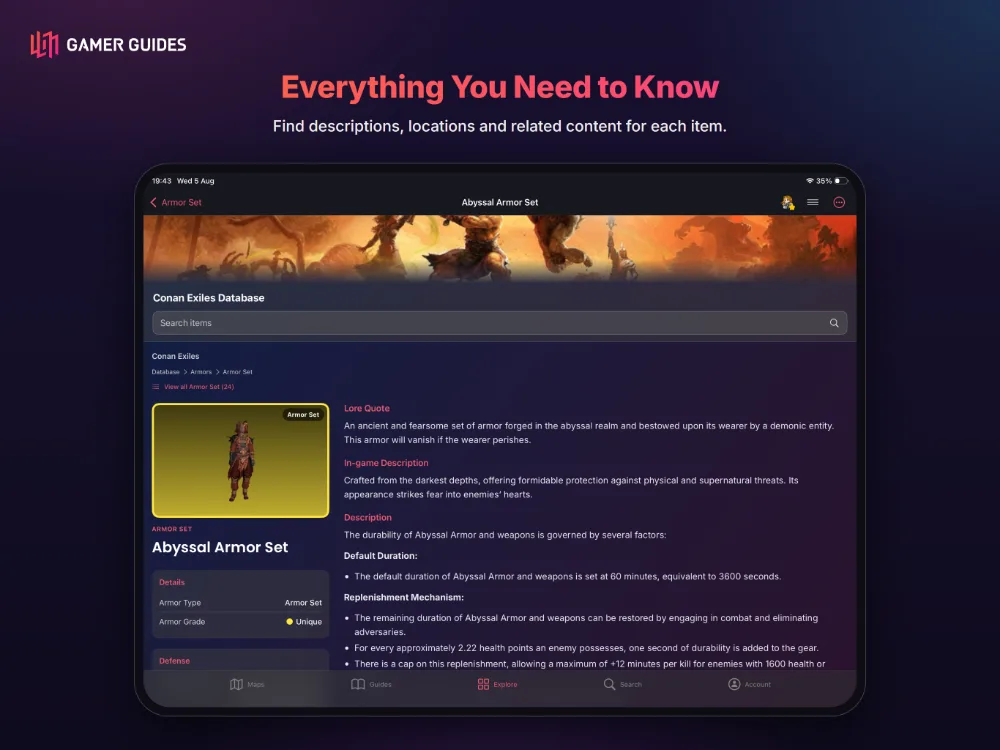
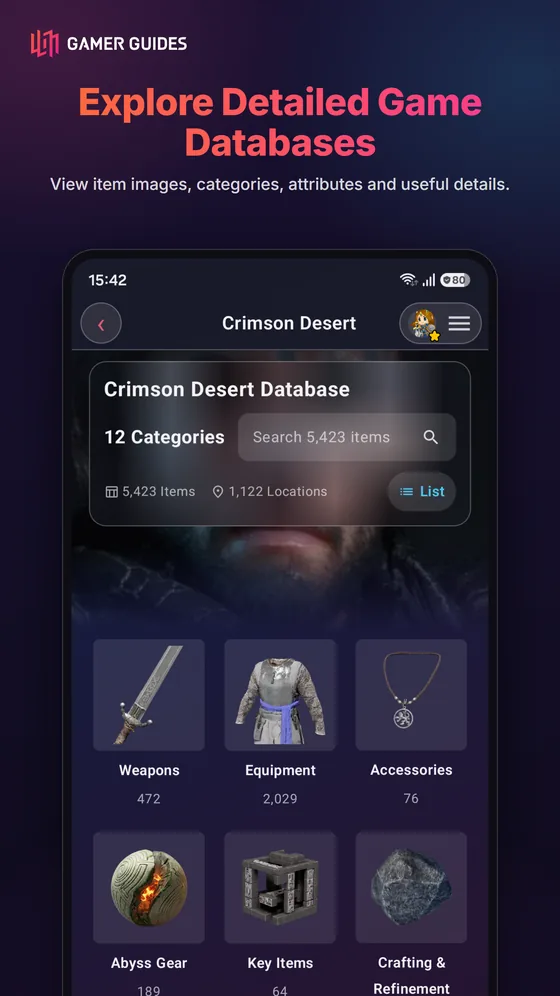
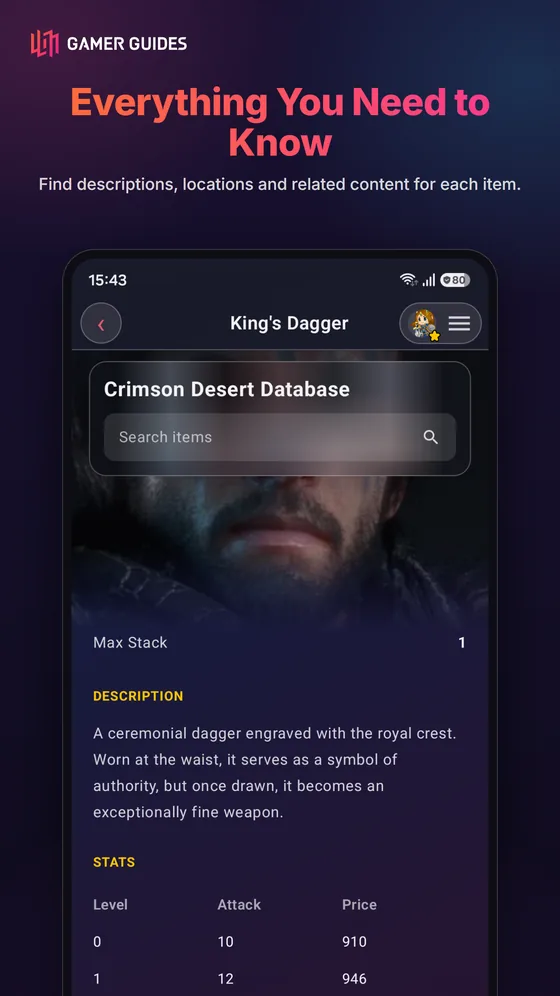
- Full item databases with stats, locations, categories and artwork; jump from a marker to the item it holds.
- Pokemon guides open full Pokedex entries, with types, evolutions and matchups.
ACHIEVEMENTS AND TROPHIES
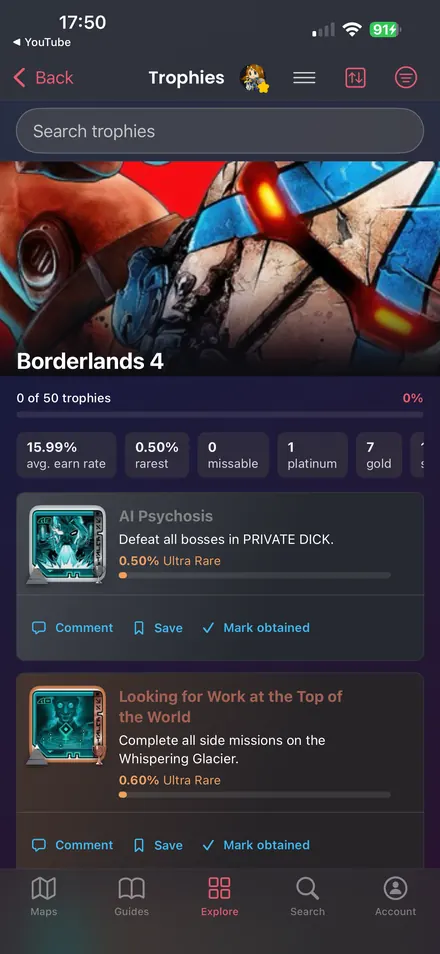
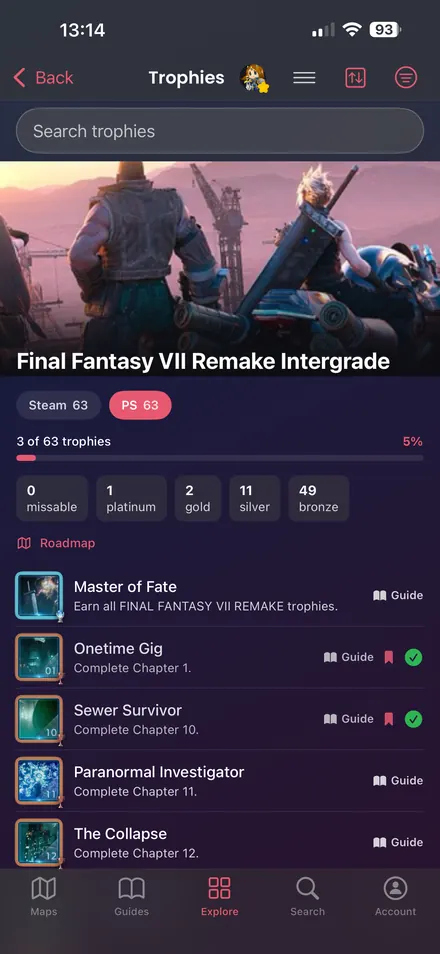
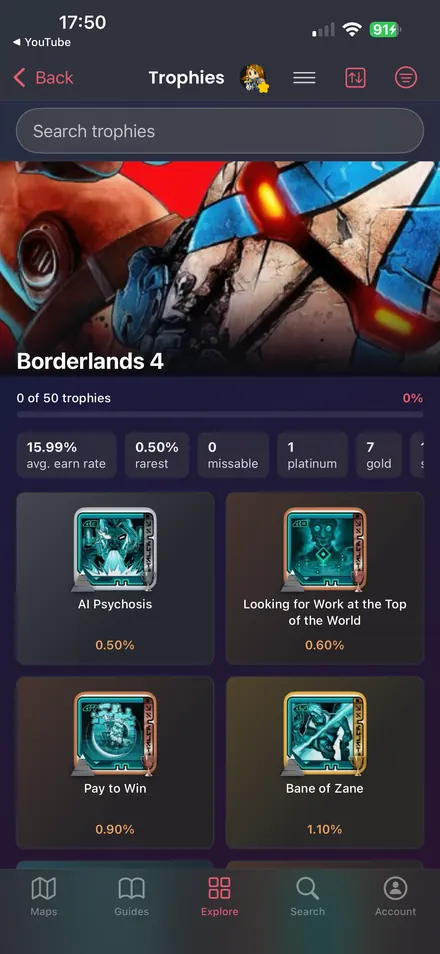
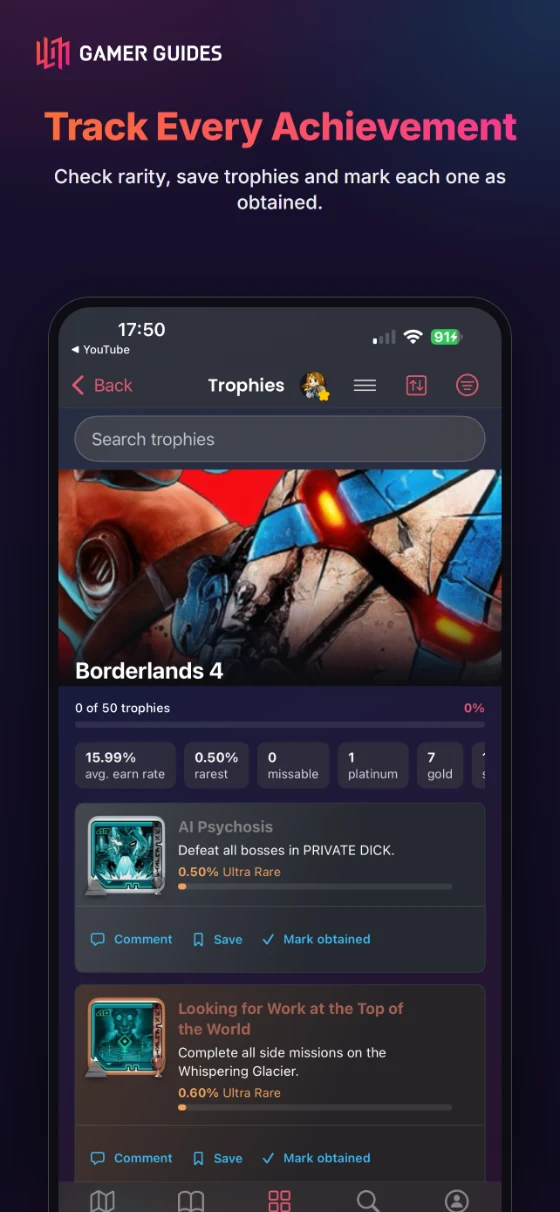
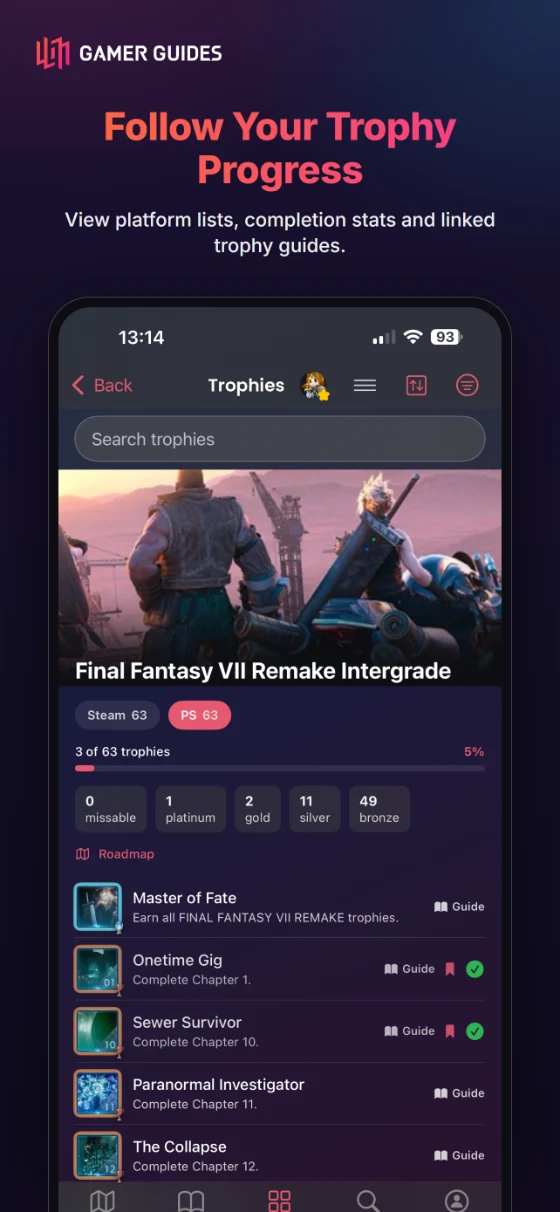
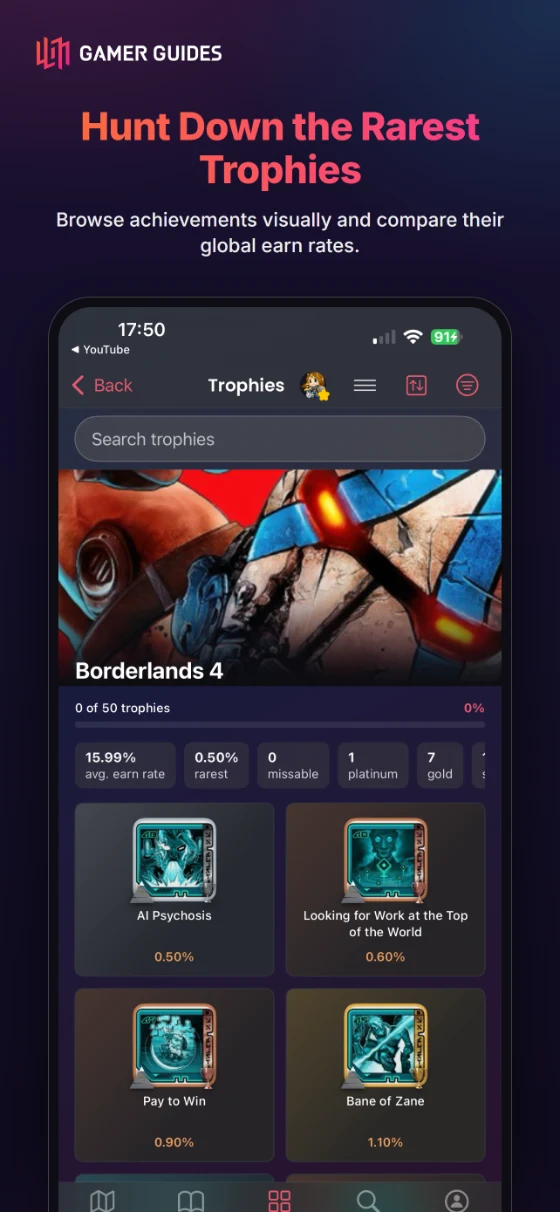
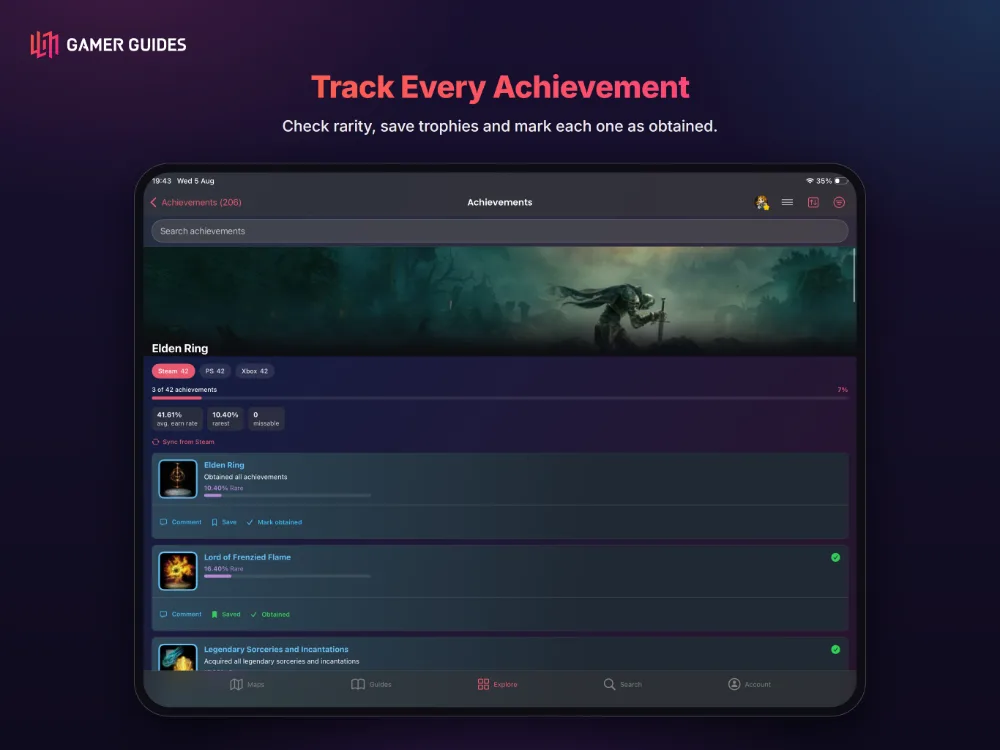
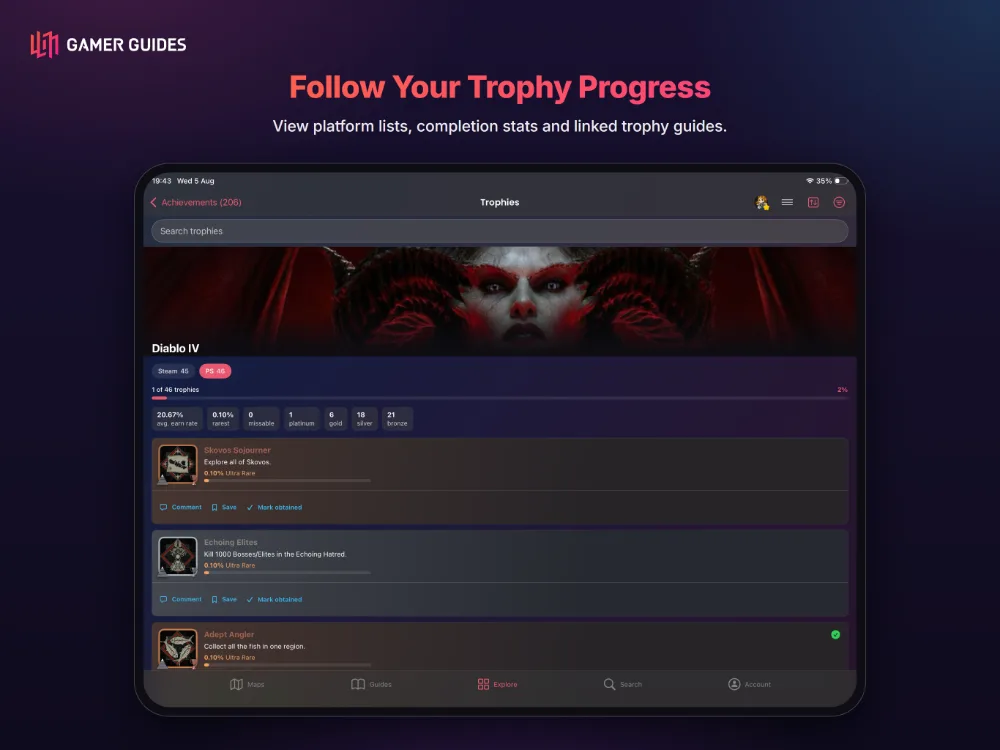
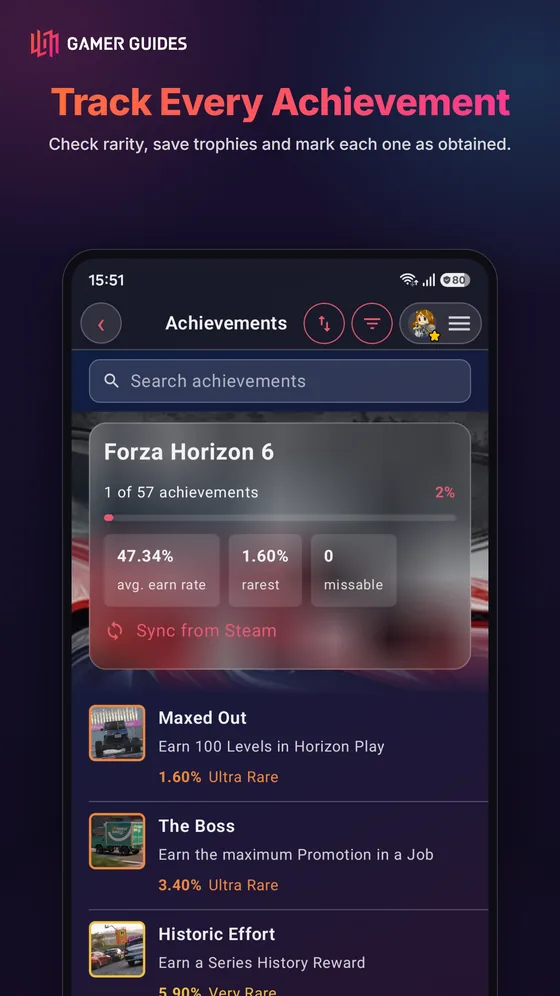
- Full trophy and achievement guides with roadmaps and difficulty ratings.
- Search achievements by name or by what they ask, across every game.
- Track what you have earned, add screenshots, and see community ratings for difficulty and time.
- PlayStation, Xbox and Steam sets are all covered.
REVIEWS, PREVIEWS AND VIDEOS
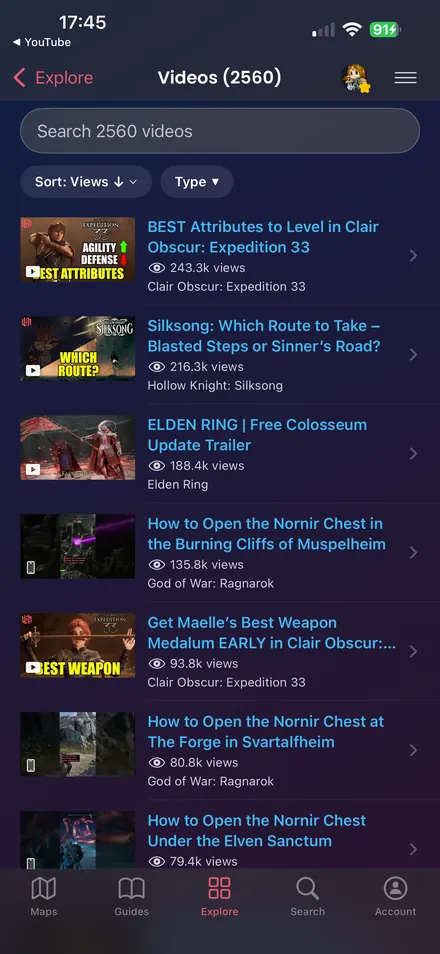
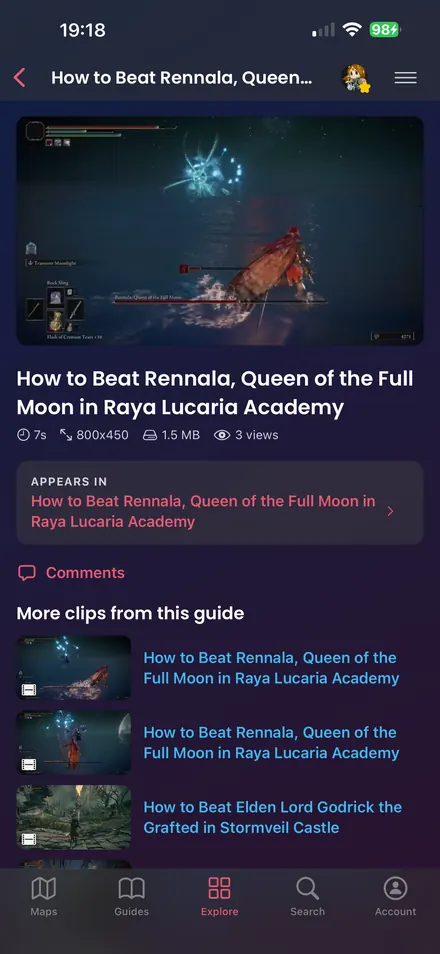
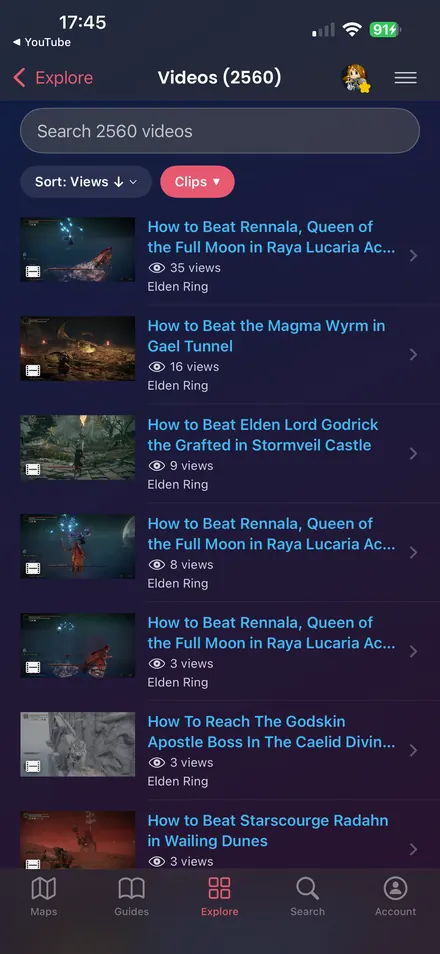
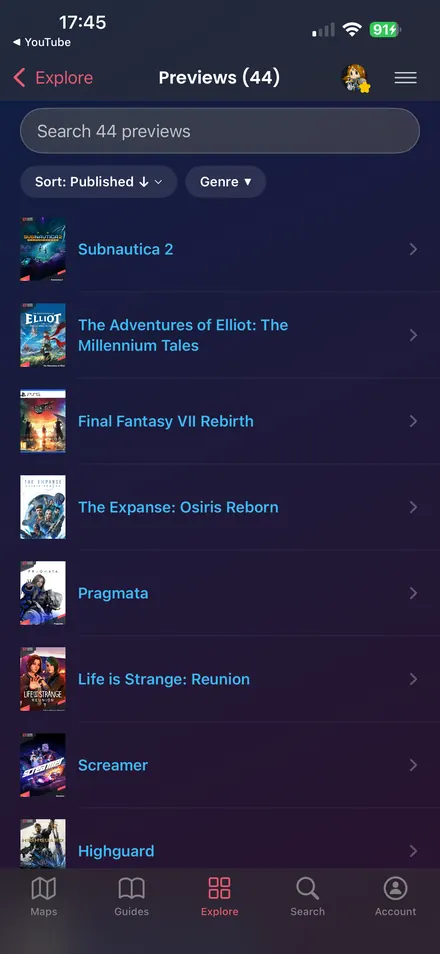
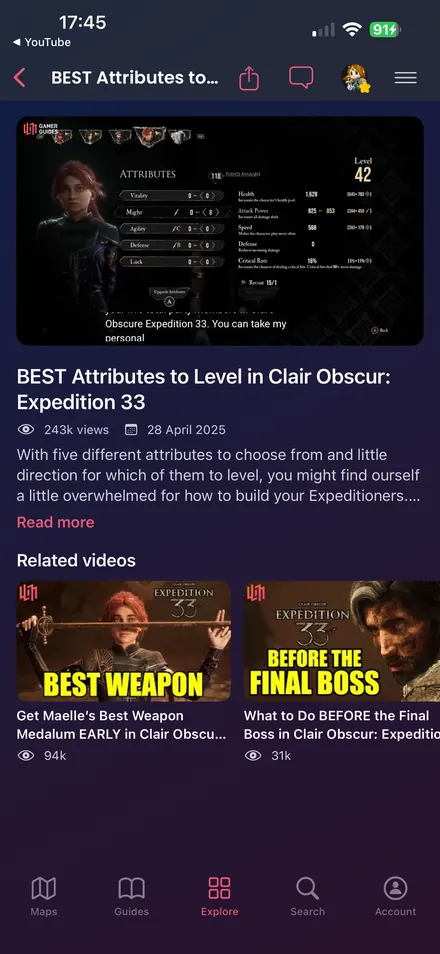
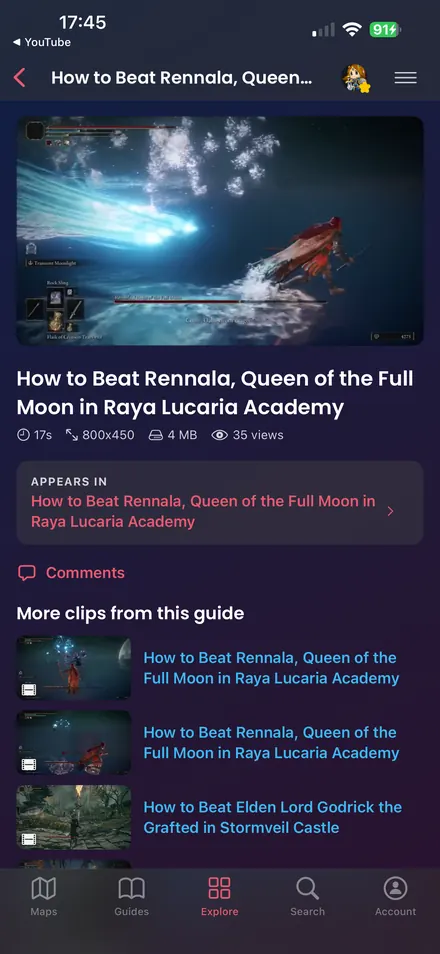
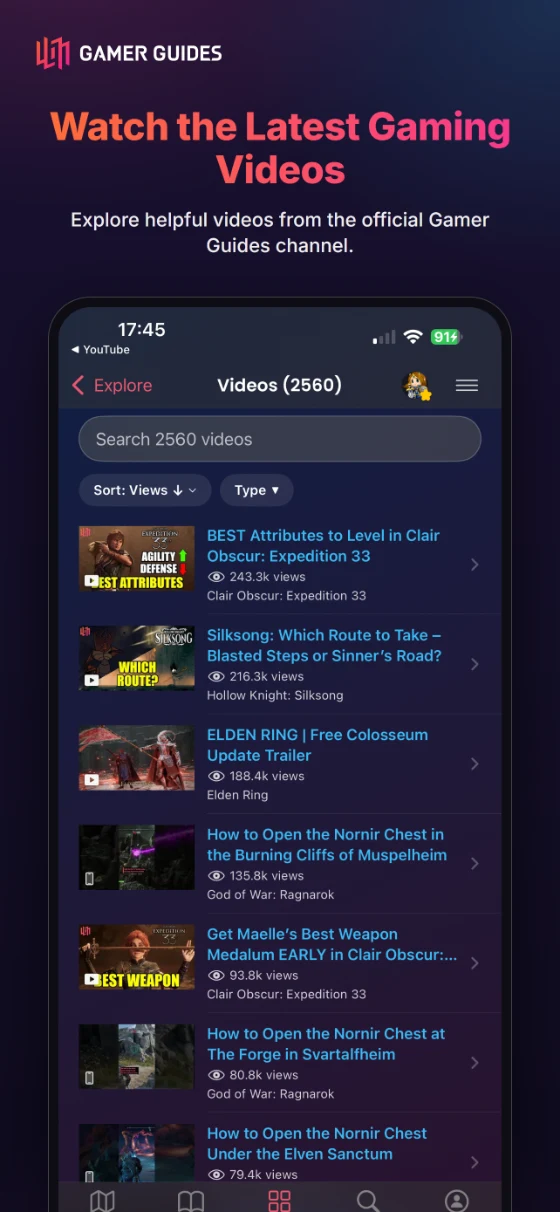
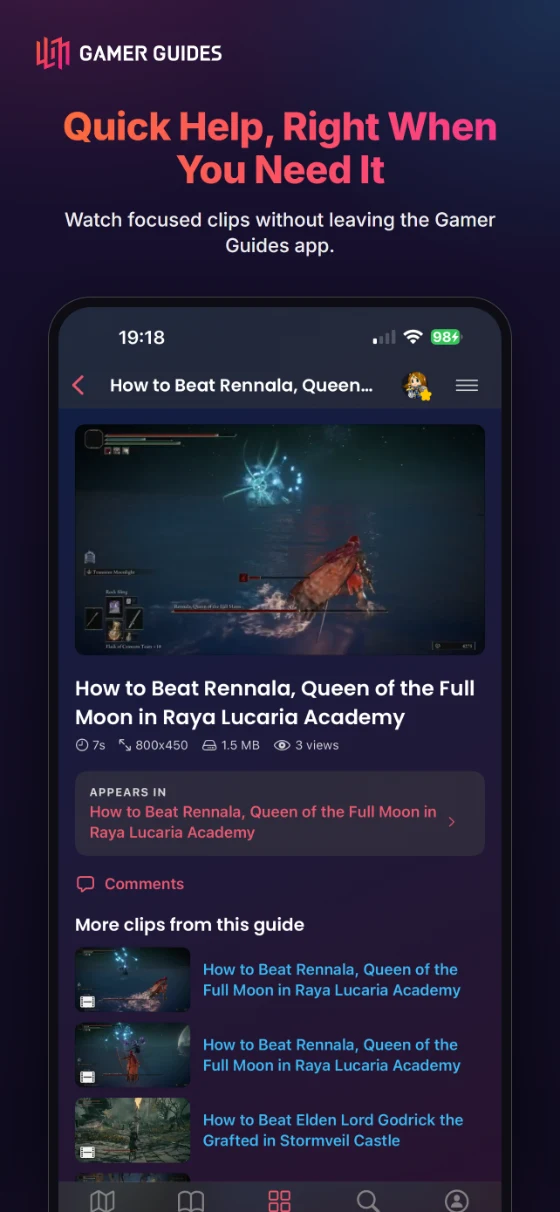
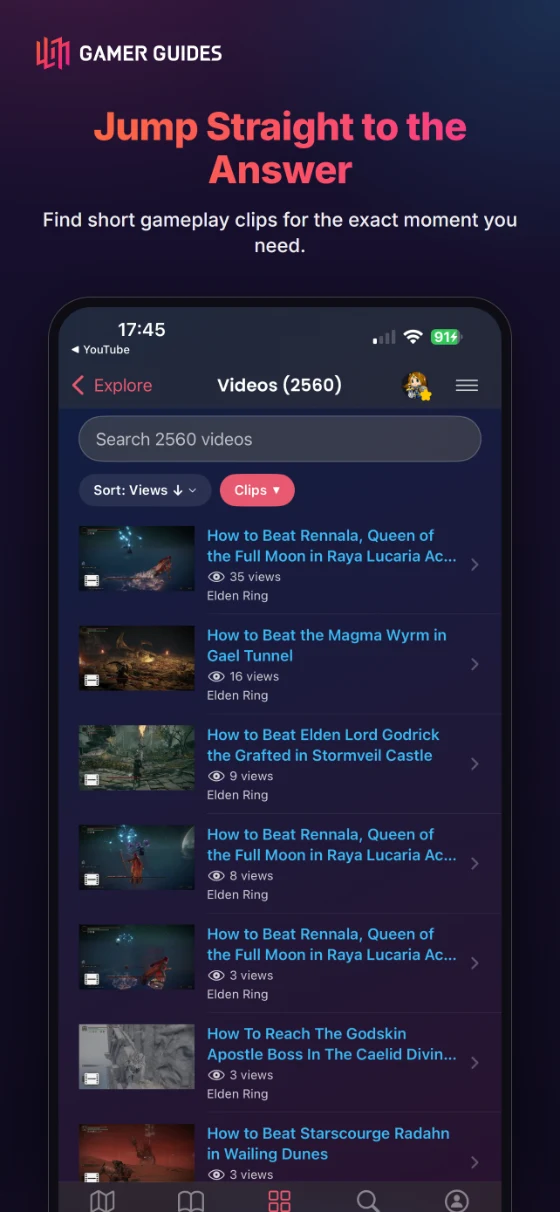
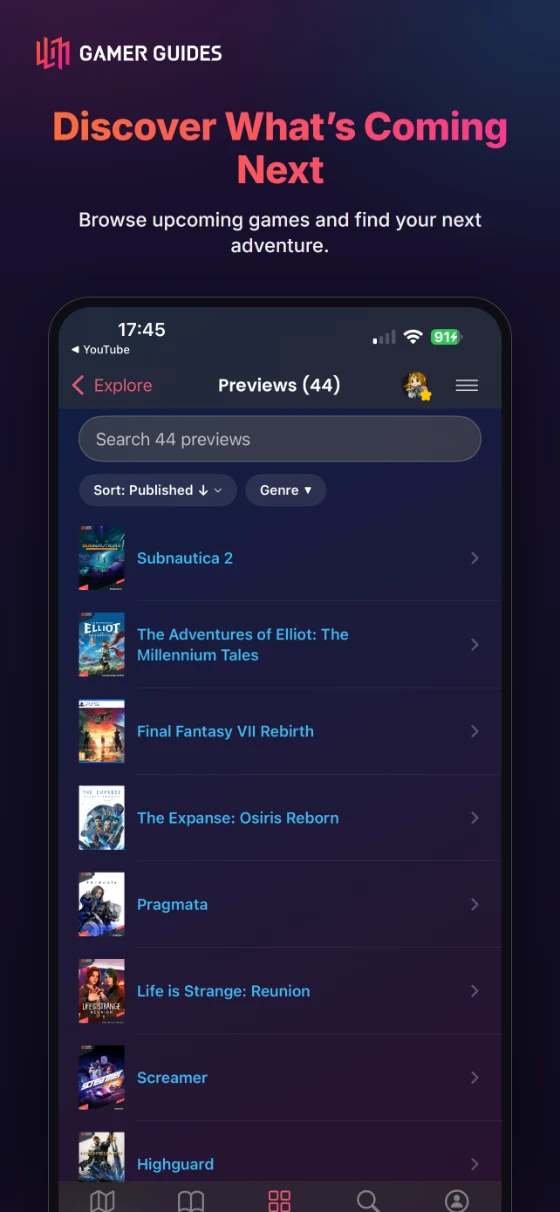
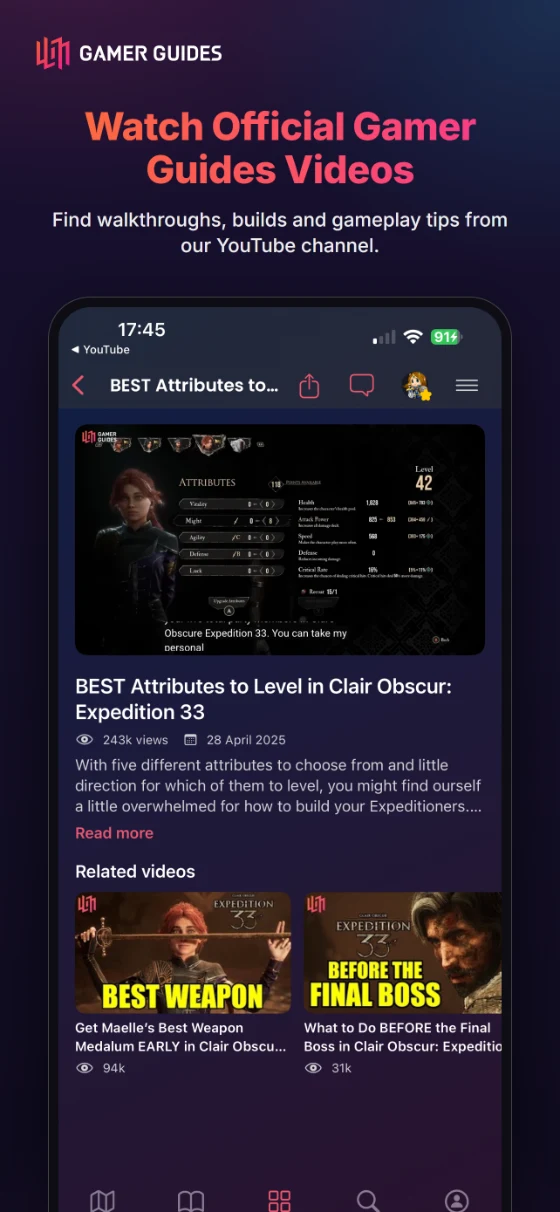
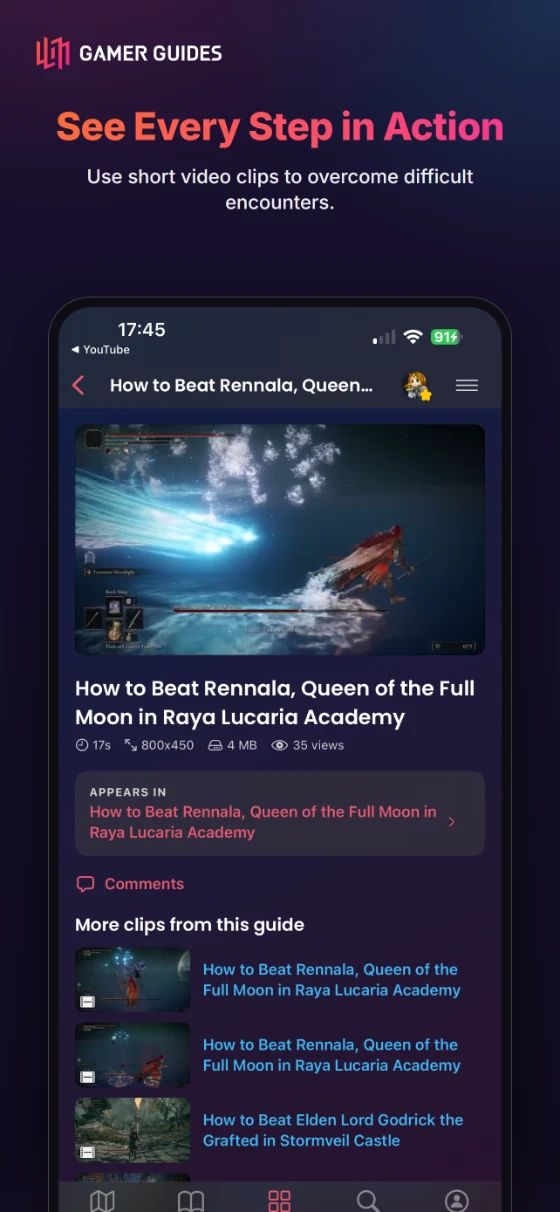
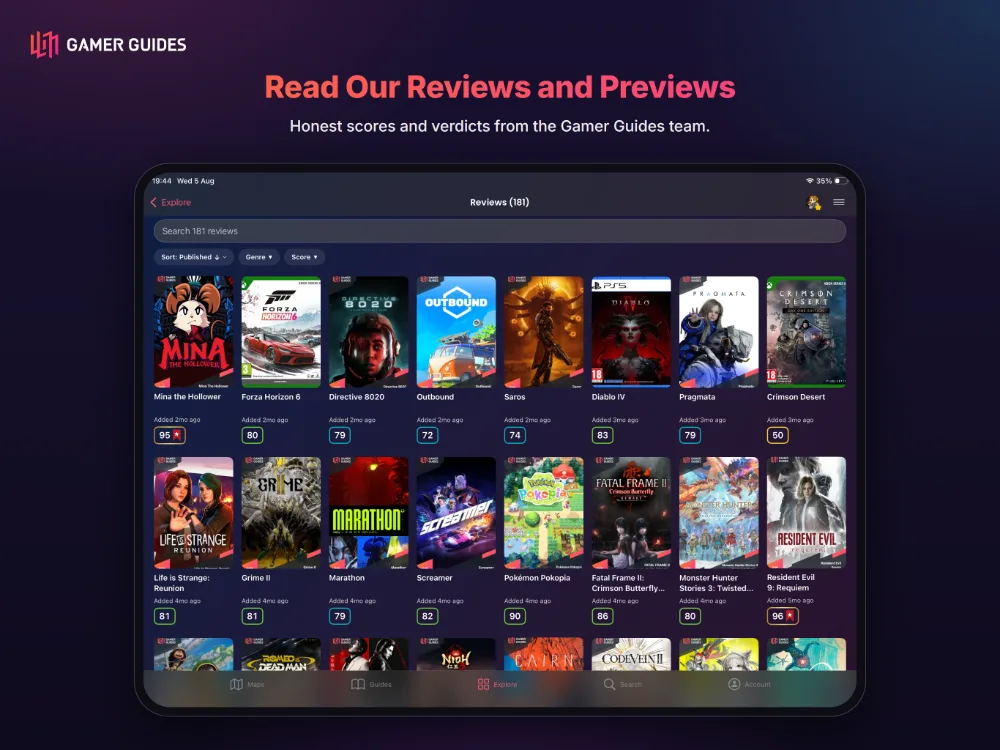
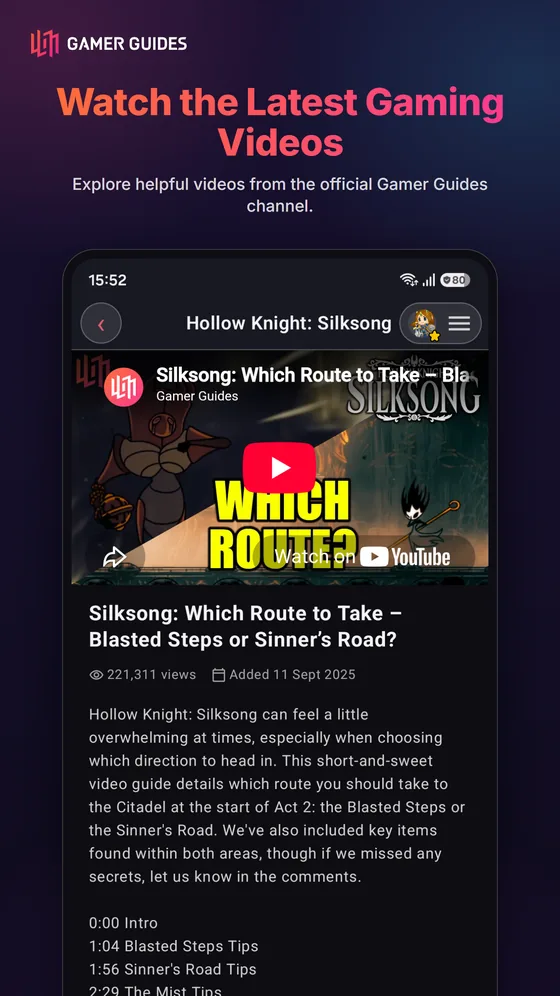
- Reviews and previews with our own scoring, and video guides and clips that play in the app.
YOUR LIBRARY
- My Games gathers what you are playing, with a Currently Playing shelf you can import from Steam.
- Bookmarks sync with the website: start on your phone, finish at your desk.
- Build a profile and show your setup and platforms.
- Sign in with Apple, Google or email.
- Account & Security holds your details, sign-in methods and account deletion.
- About, The Team and every policy page read natively in the app.
OFFLINE READING
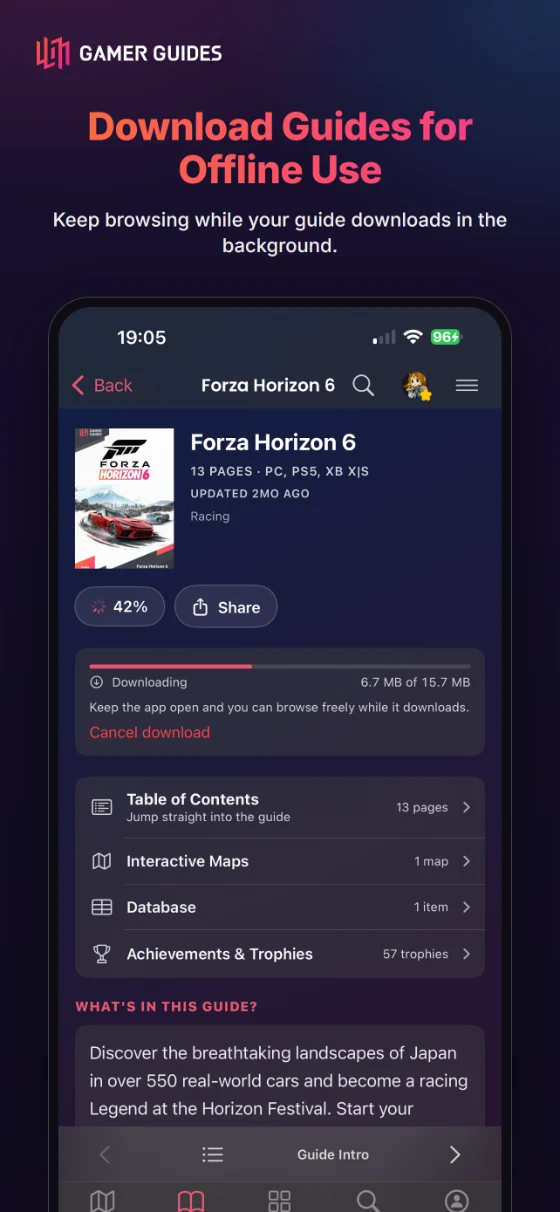
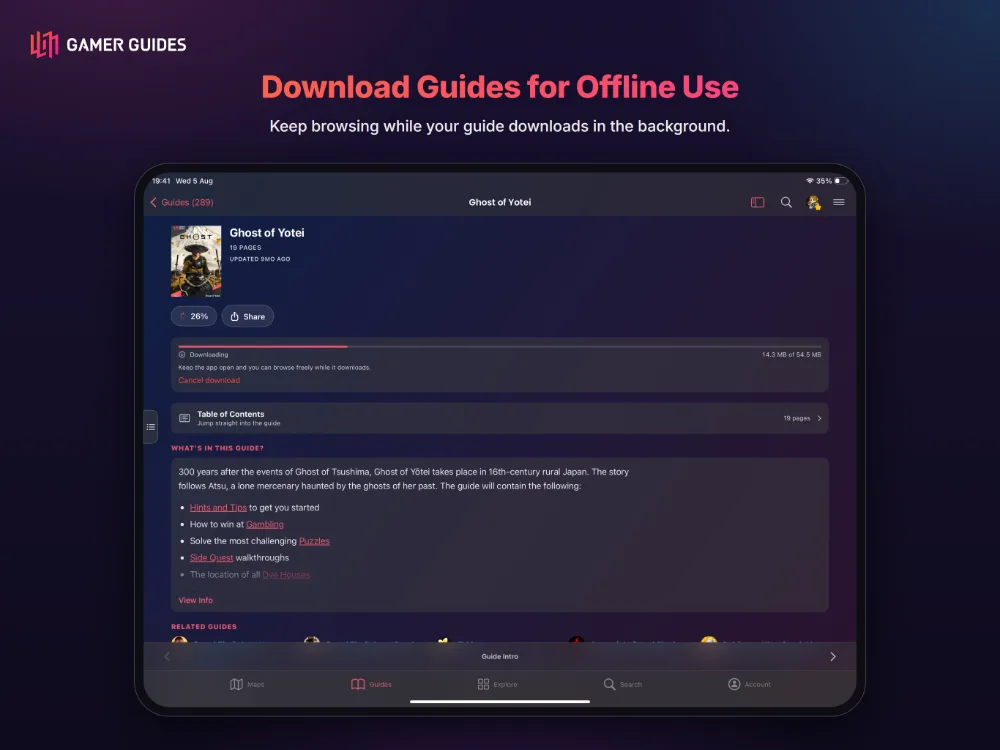
- Download a full guide, images and all, and read with no signal. Ideal for flights, commutes and handheld play.
MEMBERSHIP
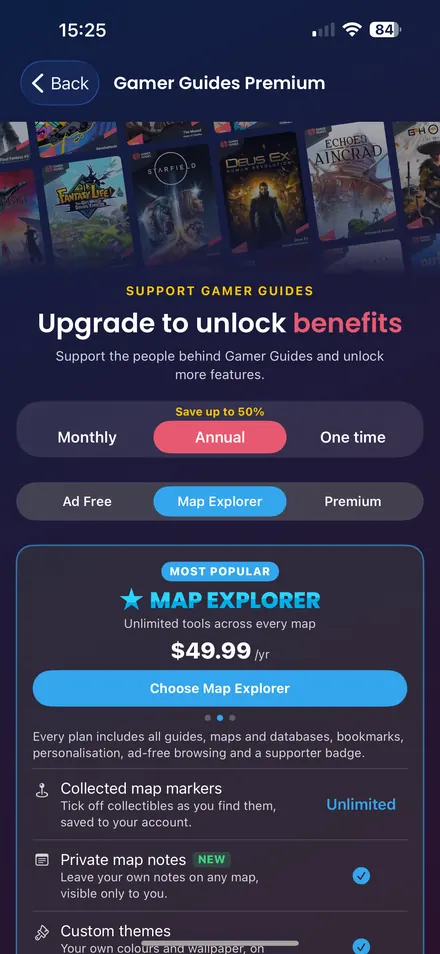
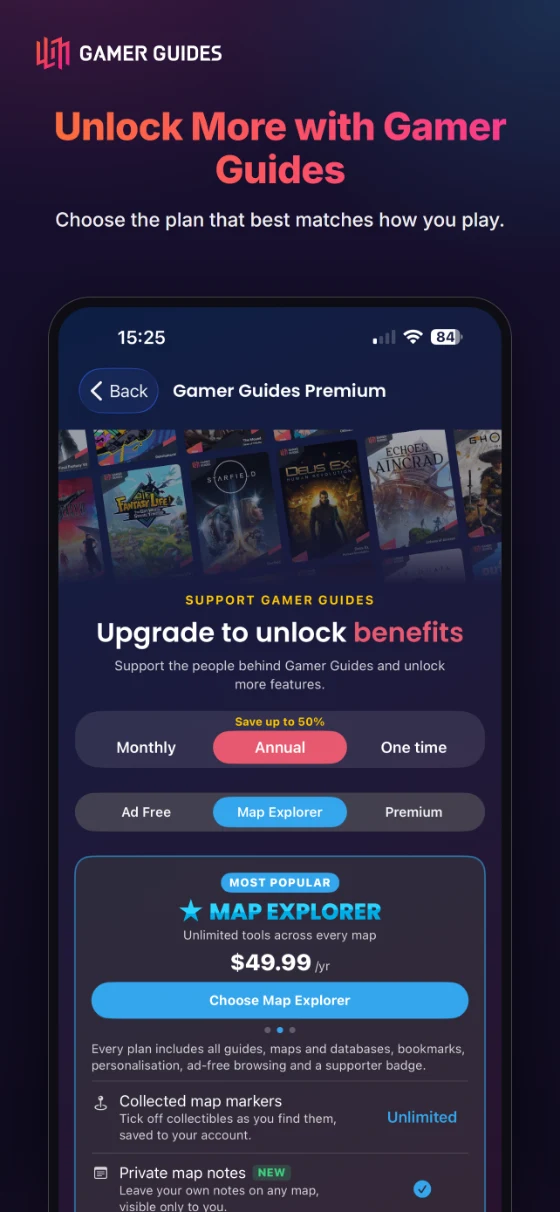
- Browsing, reading and maps work without an account, and most of the app is free. Optional memberships, monthly or annual: Ad Free removes all ads; Map Explorer adds interactive map extras; Premium adds offline downloads and synced bookmarks.
- Legend is lifetime Premium, paid once. Map Pass unlocks one game’s maps for good: one purchase, no subscription.
- Membership & Billing shows your plan, its renewal date and where to manage it.
App Store Terms of Use (EULA) Privacy Policy
Google Play Terms of Use Privacy Policy
Version 2.1.5
Interactive maps
- Zones now answer a tap, and show their title where the zone asks for it.
- Leader arrows are drawn dashed and over the dim, so a label always points at what it names.
- Marker descriptions have more room, and a faded edge when there is more to scroll.
- The map browse row drops the community count, which belonged on the map page rather than the list.
- Route maps get back the height they were losing.
Guides and maps browse
- Bigger cover art and a step up in text size on both tabs, so the details are readable at a glance.
- Tapping anywhere on a guide row opens the guide, with an arrow to say so.
- Each row lists what the guide holds: page count, maps, database, achievements, videos and reviews.
- Sorting by Updated now follows when a guide actually gained content.
Reader
- The bar names the page you are on, and keeps naming it while you scrub between pages.
- A first-run hint explains the scrubbing bar: drag it to move through the guide, a bubble names where you would land, and the page turns when you let go.
- On iPad, the contents panel can be kept open while you read, from a switch above the contents or in Preferences.
- On iPad, the contents follows the page you scrub to and highlights it, so the two stay in step. Scroll the contents yourself and it stays where you put it.
Checklists
- Locations are drawn on the map, not just listed.
- A run of locations sharing one screenshot is gathered into a single card.
Achievements
- Where we have written a full achievement guide, it now sits alongside the trophy list.
- Guide rows say how many achievements a game has.
Pokedex
- Browse the whole Pokedex in the app, open any Pokemon from a guide page, and step back to the grid.
About and policies
- About Gamer Guides, The Team, and every policy page - privacy, terms, cookies, refunds and account deletion - now read natively in the app instead of opening a browser, and are reachable without signing in.
Membership
- The menu and your account sheet now offer the next tier up from the one you are on, and open the plans on it.
Version 1.1.1
-
Maps: a marker for an item now shows the item’s name, where it used to say “Marker”, and searching a map finds items by name. Accents are optional, so “epee” finds “Épée”.
-
Videos: the Clips tab now holds every clip for a game, not just the first twelve, with a Videos tab beside it to switch back.
-
Database tables have proper borders and headers.
-
Links to gamerguides.com now open in the app.

Take Gamer Guides with you
Explore maps, read guides and save your progress on iPhone, iPad and Android.
Scan to download
App details
| iPhone and iPad |  Android Android |
|
|---|---|---|
| Latest version | 2.1.5 What’s new | 1.1.1 What’s new |
| Released | ||
| Requires | iOS 17.0 or later | Android 8.0 or later |
| Devices | iPhone and iPad | Android phones and tablets |
| Size | 20 MB | Varies with device |
| Category | Entertainment | Entertainment |
| Age rating | 12+ | PEGI 12 (Parental Guidance) |
| Seller | Gamer Guides LTD Apps | Gamer Guides Ltd |
- Price
- Free, with in-app purchases
- Languages
- English
- Created by
- Our own editorial team
- Copyright
- © 2026 Gamer Guides Ltd