


Zombies have been included in the majority of recent Call of Duty’s and one thing a lot of the player base likes to do is solo attempts. However, booting up a solo game in MW3 seems a little bit confusing at first glance, so continue reading to learn how to avoid being placed in a squad of random players.
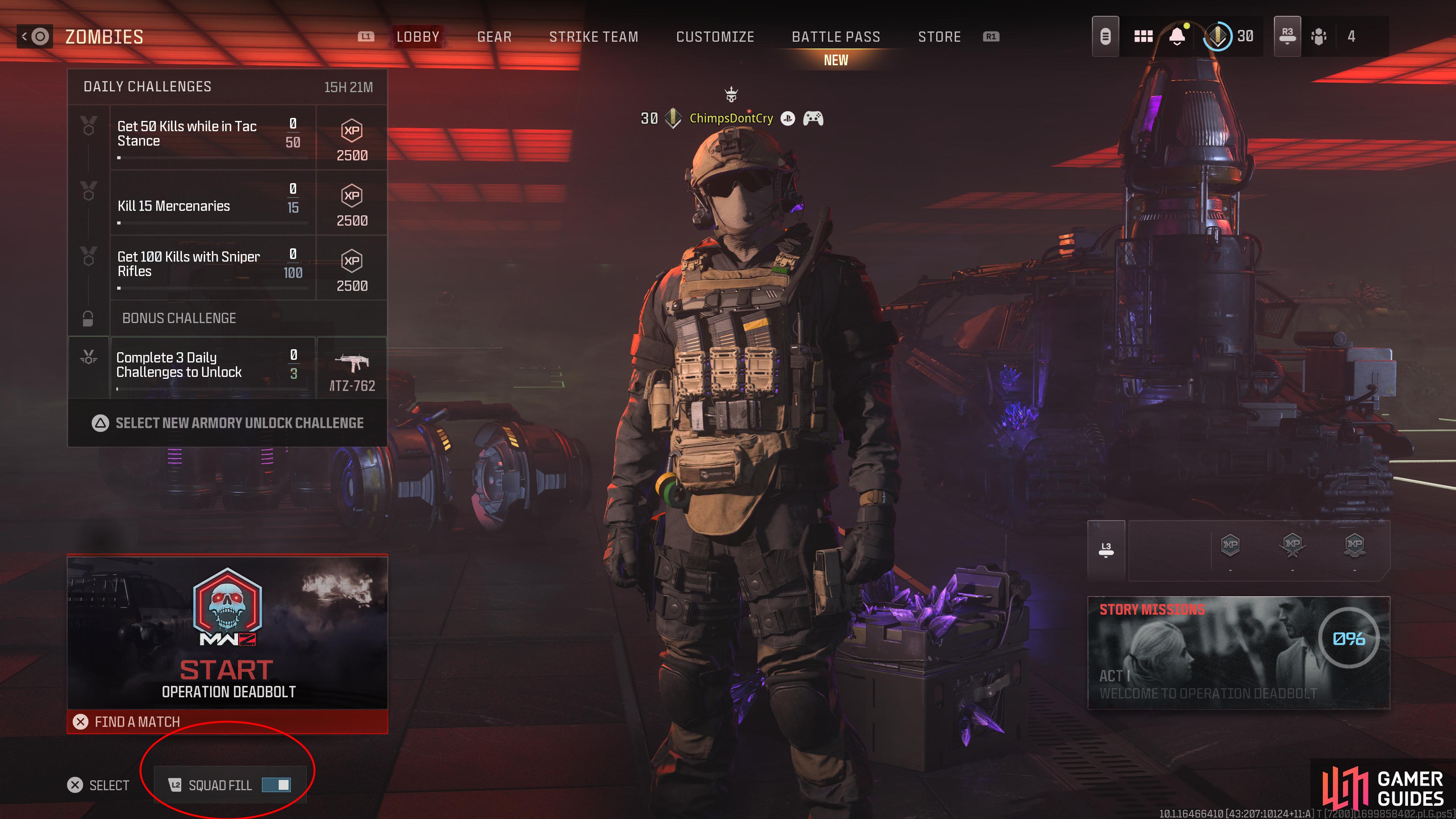
You’ll see your Squad Settings in the bottom left of the screen.
Can You Play MW3 Zombies Offline?
If you choose to just jump straight into zombies without looking into any of the options, then you’ll be automatically placed into a game with two other players. However, if you don’t want the added pressure to perform well to impress the other players, then you can toggle your Squad Settings so you’re just jumping in alone, but obviously, this will be a bit of a challenge for the average player. To do this, you’ll need to toggle Squad Fill from on to off by pressing LT  on Xbox or L2
  on PlayStation, but this won’t allow you to play fully solo as you’ll automatically come across other players, but they won’t bother you and they can’t see stats.
Unfortunately, due to the way zombies in MW3 are designed you won’t be able to reach the higher tier areas or complete a lot of the harder contracts unless you’re extremely good and fully equipped with fully Pack-a-Punched Weapons. We recommend that you play with your friends or with random players until you get to grips with how the mode properly works and have some upgraded equipment ready to go.

No Comments