Published
Title
Score
Editor's Choice
Publisher
Published
Title
Publisher
About "Let's Go"
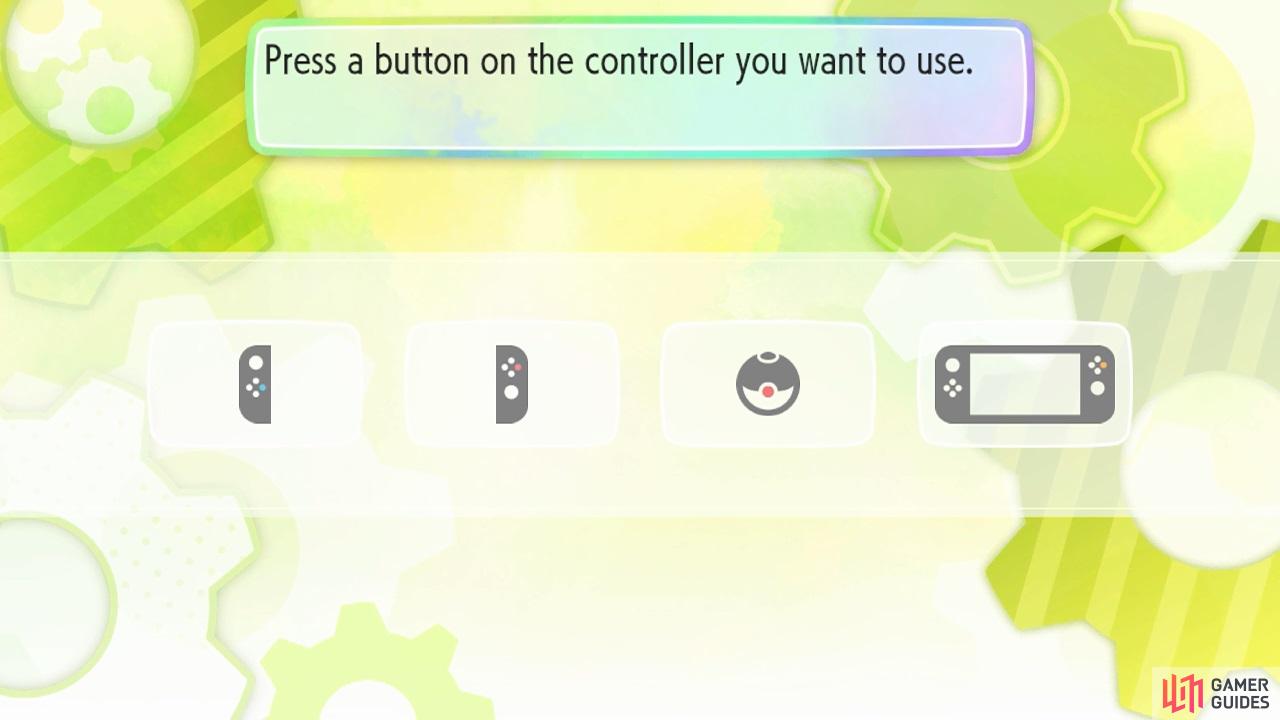
You can change your controller via the options menu.
The controls for this game are pretty simple, but there are 4 control schemes to keep track of (although technically only 3 unique ones). So if you’re uncertain of anything, don’t worry–we’ve got you covered!
Joy-Con
Right Joy-Con
Left Joy-Con
Function
Right stick
Left stick
Move character/move cursor in menus
A, ZR, click right stick inwards
Right (D-Pad), ZL, click left stick inwards
Interact/confirm choice
B
Down (D-Pad)
Cancel choice
X
Up (D-Pad)
Open main menu
Y
Left (D-Pad)
Open options, box, check moves etc.
+
-
Toggle Buddy, change Pokédex display
R
L
Interact/confirm/move Pokémon or items
Shake
Shake
Open play menu, trigger Partner Power etc.
Handheld Mode
Button(s)
Function
Left stick
Move character/move cursor in menus.
D-Pad
Move cursor in menus.
A, ZL, ZR, click left/right stick inwards
Interact/confirm choice
B
Cancel choice
X
Open main menu
Y
Open options, box, check moves etc.
+, -
Toggle Buddy, Pokédex
L, R
Interact/confirm/move Pokémon or items
Poké Ball Plus
Button(s)
Function
Circle stick
Move character/move cursor in menus.
Click circle stick inwards
Interact/confirm choice
Top button
Cancel choice, open main menu
Shake
Open play menu, options, box, trigger Partner Powers etc.
There is no button to quickly move Pokémon or items, quickly toggle a Buddy, or check moves during battle, etc.
Scroll down
Guide Information
Publisher
Platforms
Genre
Guide Release Last Updated Version History Guide Author
Get access to this feature and a lot more by upgrading to a premium account.
Find out more
Already subscribed? Log in instead


No Comments