

How to Use the Skyrim Compass
The Compass appears on the top-center of the screen to show various locations, from cities to dungeons and even enemies. Various points of interest have white-and-black icons, depending on what type of location it is, while enemies are marked by red dots. Only enemies that are actively hostile (and at least nominally aware of the player) will be marked.
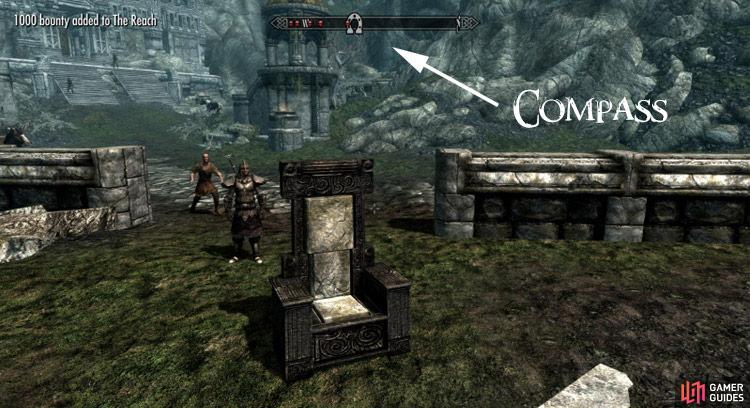
Undiscovered but known locations are black in color, while visited locations are white. When traveling around Skyrim, map icons appear on the compass at the top center of the screen. Locations farther in the distance appear smaller on the compass, whereas closer locations appear larger. Locations can be Fast Traveled to by clicking their corresponding icon in the Map menu. Some locations, while named and significant, do not have items on the map. They are known as unmarked locations.

No Comments